What if the hardest part isn't finding a tool that can automate your work, but finding one you won't outgrow, misprice, or abandon after three broken runs? Most lists of the best workflow automation tools sort by integration counts. That tells you almost nothing about who should maintain the flow, how failures get noticed, or what a busy month really costs.
That's the gap this comparison closes. Each tool below is judged by use case, technical skill required, pricing model, and ideal team size, with an explicit note on who should not buy it. The pattern matters because adoption is already broad but shallow. The Quixy summary of Duke and McKinsey research notes approximately 60% of businesses had implemented automation in at least one workflow in the 2024 Duke University study, while McKinsey found 66% of organizations had experimented with business-process automation in at least one business function. One workflow is not a system.
Start with your real constraint. If nobody on your team wants to debug payloads, don't buy developer control. If every flow touches revenue, don't buy the simplest trigger tool and hope logs are enough.
1. Zenfox.ai
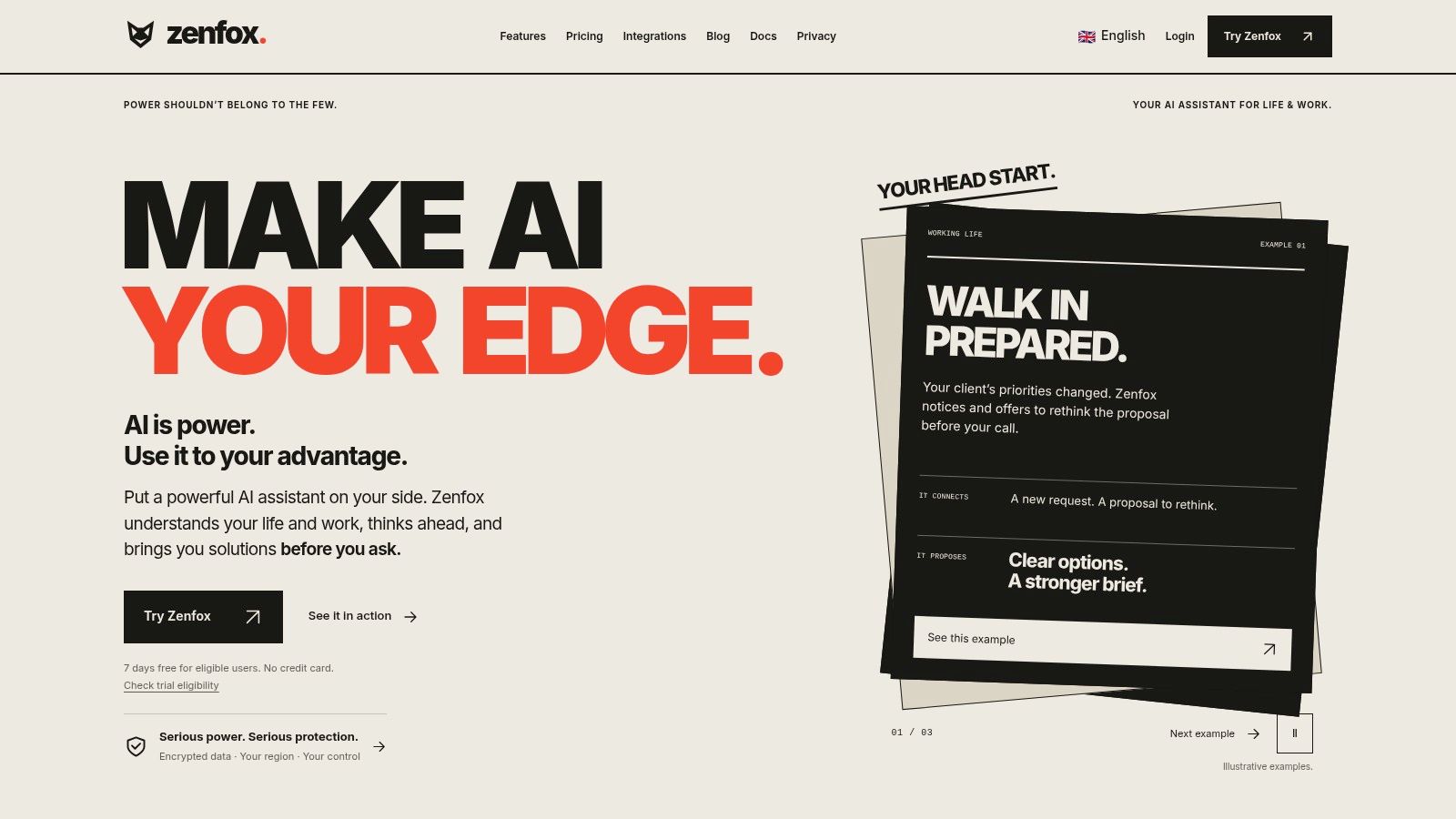
Zenfox.ai takes a different starting point from connector-first builders. You describe a goal in plain English, and it builds context across connected apps such as Gmail, Slack, HubSpot, and Drive, then creates and runs zero-code workflows. Instead of you wiring every step, it breaks projects into steps, takes actions like sending follow-ups and updating CRMs, and keeps a complete activity log.
That log is the practical feature here, not a bonus. Autonomous work needs an owner, limited permissions, and a record you can reconstruct after an error. The Deloitte agentic AI governance paper frames governance around human accountability, system quality, and risk management, including sandbox testing and continuous monitoring. Buy autonomous help only where actions are bounded and reversible.
Where It Fits and Where It Doesn't
- Best for: Professionals and small teams drowning in follow-ups, weekly reports, competitive briefings, document search, and CRM updates across tools already in use.
- Standout capabilities: An autonomous agent, self-coding automations, deep research, topic monitoring, API connections by name or spec, and instant app generation via web, Telegram, Discord, or SMS.
- Trust basics: SOC 2 certification, GDPR alignment, AES-256 encryption via Infisical, and enterprise options like data enclaves and on-prem storage.
Check Zenfox integrations to confirm your stack is covered before you pilot it. Don't buy Zenfox if you only need one rigid, deterministic sync between two apps and want to control every field mapping yourself. A simple connector will be cheaper to reason about. I recommend Zenfox when context matters, for example when a follow-up should reflect the thread, the deal stage, and the last shared file. Pricing spans Free, Pro, Max, and Enterprise, so test on one recurring outcome first, like unanswered lead follow-up, and review the activity log daily during the pilot.
2. Zapier
For most nontechnical teams, Zapier's workflow platform is still the fastest way to turn a routine handoff into a working Zap. A form submission creates a CRM contact, posts to Slack, and adds a row to a sheet. That first win matters because it proves the underlying process is stable enough to automate.
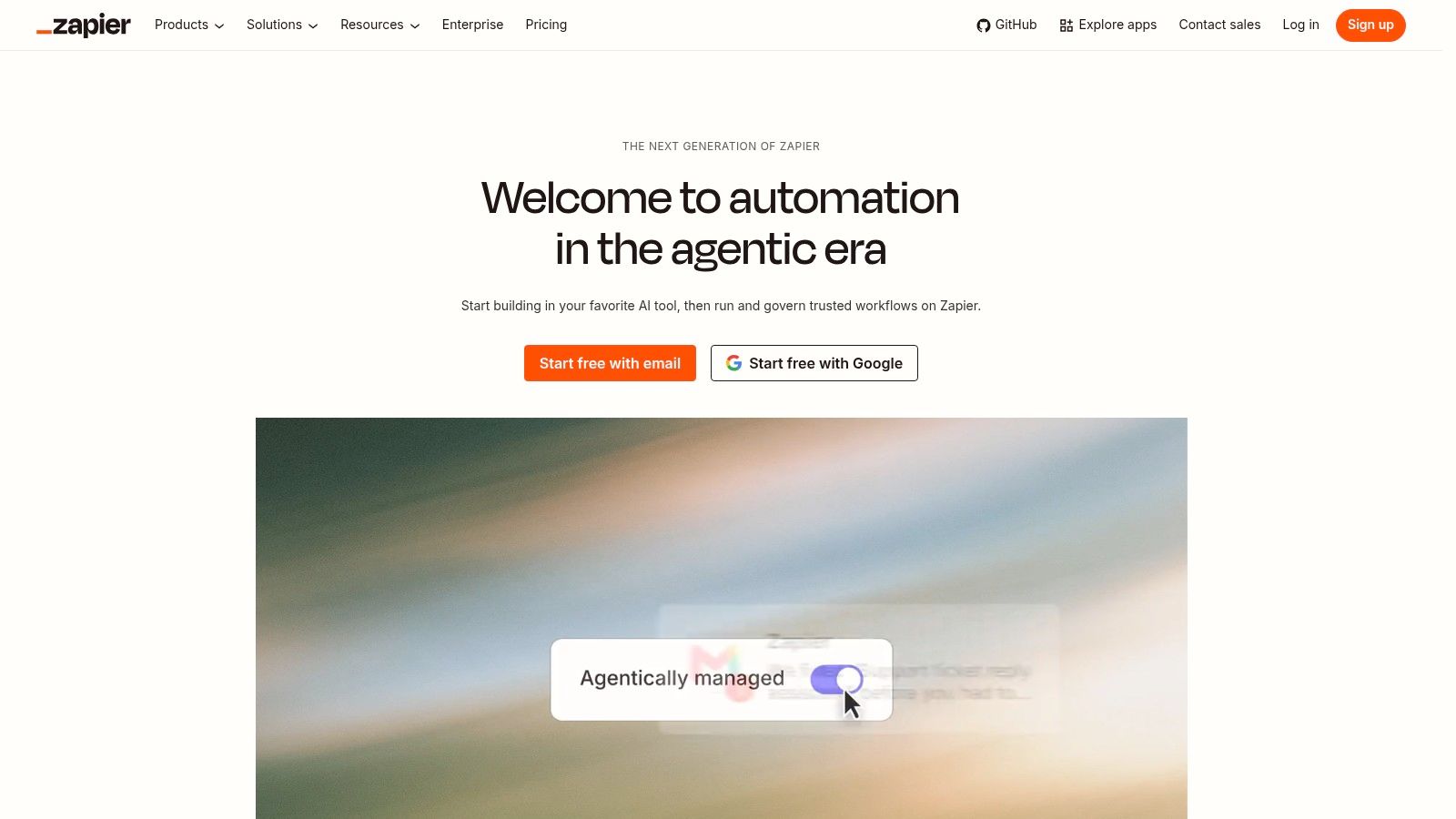
- Strengths: A broad app ecosystem, approachable setup, filters, branching, webhooks, and multi-step workflows on paid plans.
- Watch out for: Task-based billing. A Zap with several successful actions can consume allowance far faster than the trigger count suggests.
- Plan reality: The free plan suits basic testing, but serious multi-step flows and premium apps need a paid tier.
Don't buy Zapier if your core flows run at high volume with many steps each, or if you need tight control over retries, data transforms, and replay. You'll feel the cost and hit the ceiling at the same time. Do buy it if your apps already have maintained Zapier integrations and your team values speed over engineering control. Start with one owner per Zap, name Zaps by business outcome, and review task usage weekly so a chatty trigger doesn't burn the month's budget unnoticed.
3. Make
Make's visual automation platform earns its place when a straight line from trigger to action stops describing your process. Its canvas shows routers, filters, and data transformations as a scenario you can inspect. Say an ops team routes submissions by value, region, and completeness before creating records in three different systems. That branching is easier to audit visually than in a stacked list of steps.
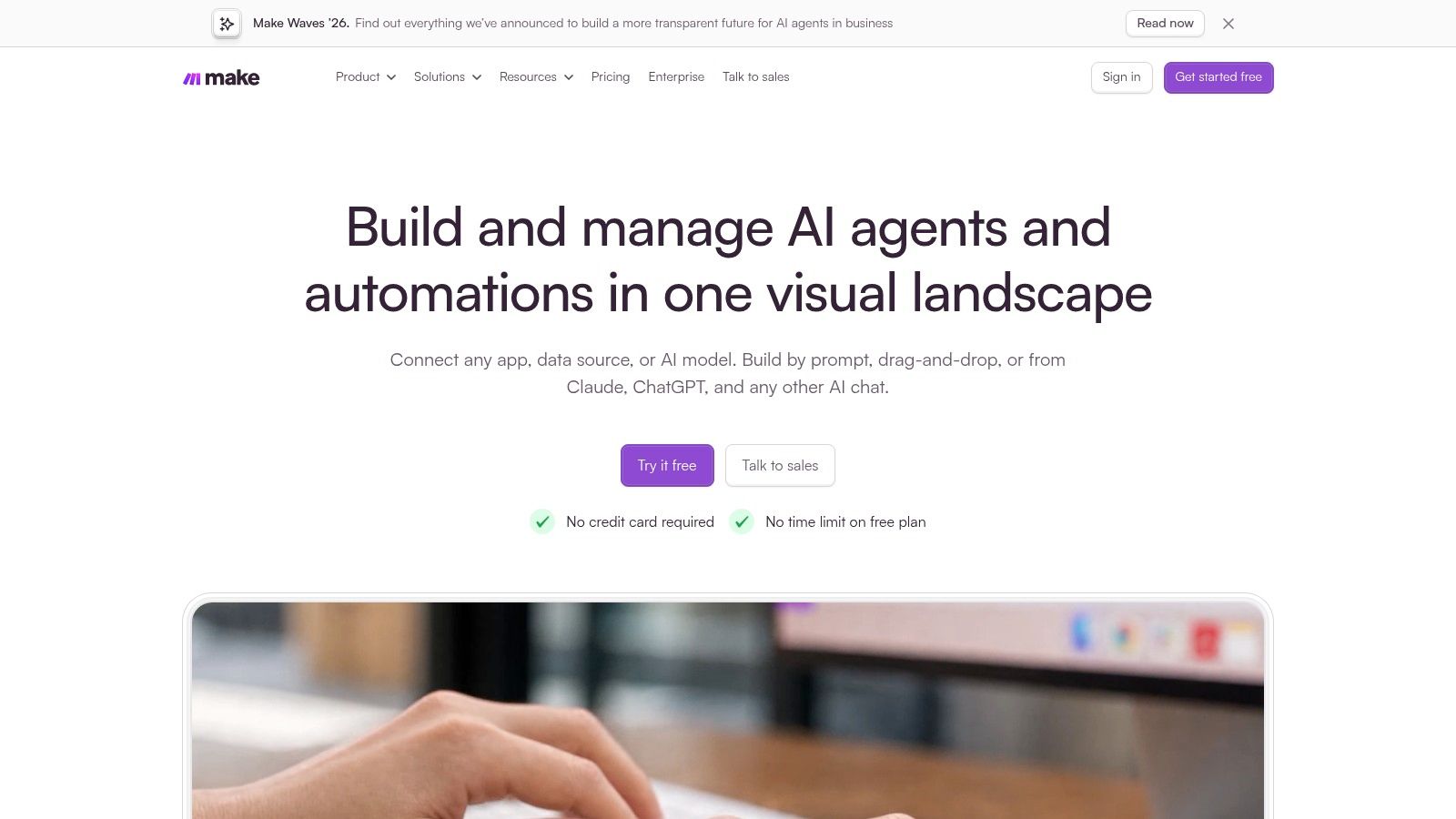
The ceiling is real, though. Business operations teams still leave plenty manual. Workato's Work Automation Index, based on anonymized data from 1,055 companies, found that 27.7% of business operations processes were automated in 2023. Tools like Make help only if someone documents the scenarios they build.
- Strengths: A visual scenario builder, large app catalog, API support, and granular control over data movement.
- Costs to model: Usage runs on credits, typically consumed by module actions, so long scenarios add up quickly.
- Testing: The free plan supports building and testing before you commit.
Don't buy Make if your team wants the simplest possible setup and nobody will maintain scenario diagrams. Undocumented canvases become folklore within months. It's a strong fit for operations minded generalists who think in flowcharts and need more logic than Zapier gives them without writing code.
4. n8n
Control is the entire argument for n8n's automation platform. You get a visual builder with custom-code options, API-heavy flows, and a choice between hosted and self-hosted deployment. Hosted pricing is based on workflow executions rather than individual steps, which can suit long flows where per-step billing punishes you.
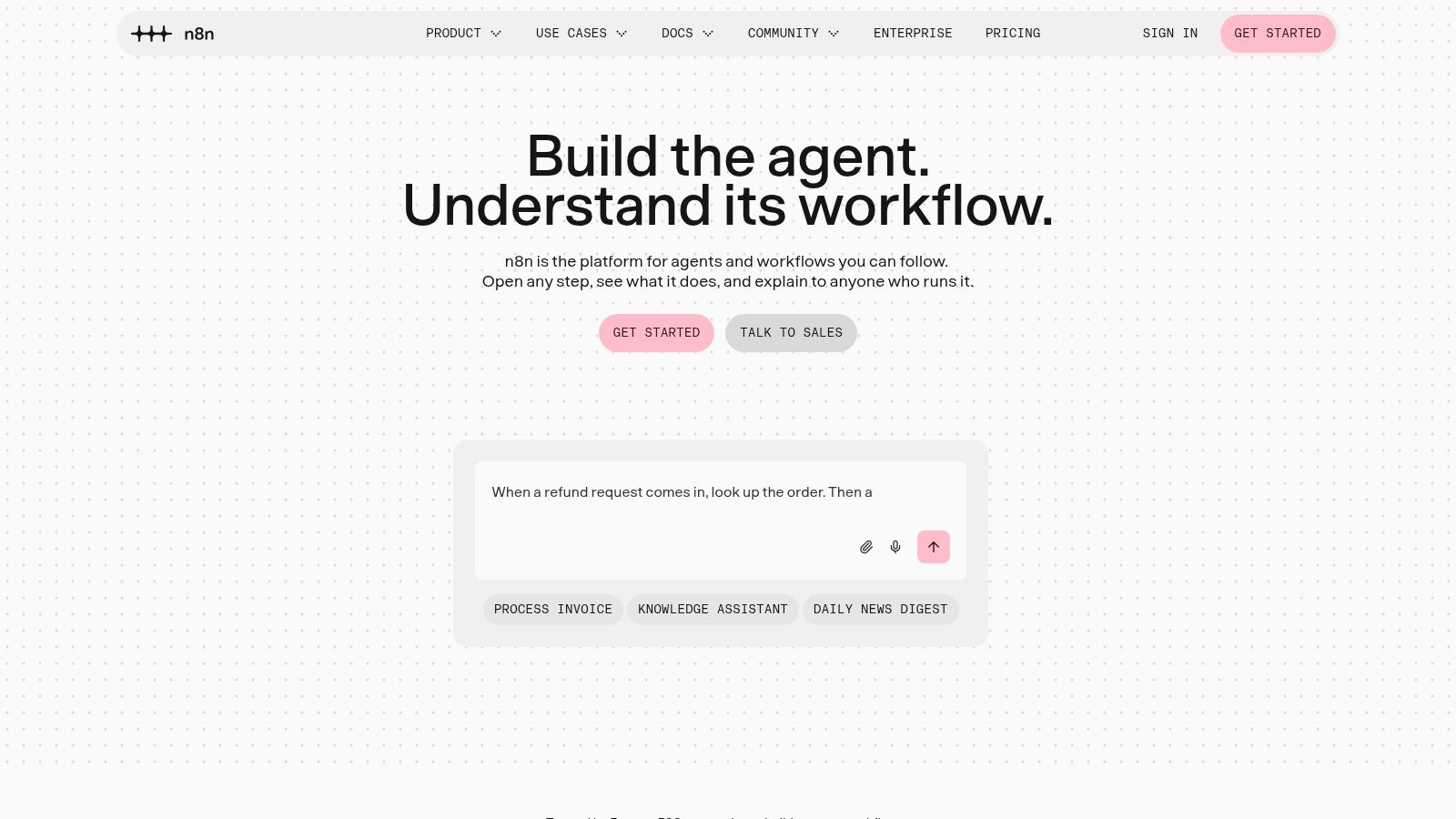
Self-hosting is also where teams lie to themselves. Someone owns infrastructure, updates, backups, secrets, and reliability. Cloud is popular for a reason. The Dataintelo workflow automation software market report estimates cloud deployment represented 62.15% of workflow-automation market value in 2025. Managed infrastructure removes work most small teams shouldn't take on.
Practical rule: Self-host when data control or customization demands it, not to save a subscription fee.
If you're exploring code defined orchestration alongside n8n, the Runsight YAML-first workflow engine for AI agents is a useful reference point for how technical teams version agent workflows.
Don't buy n8n if you're a nontechnical team with no one willing to own updates and uptime. Do shortlist it if developers want custom logic, inspectable flows, and deployment choice, and if execution based billing matches your step-heavy processes. Check licensing against your intended use before you build anything client facing.
5. Microsoft Power Automate
If your company already lives in Microsoft 365, SharePoint, and Teams, Microsoft Power Automate isn't an exotic extra. It's the native path. Cloud flows handle event driven and scheduled automation across Microsoft services, while desktop flows use RPA to operate Windows applications that never shipped a usable API.
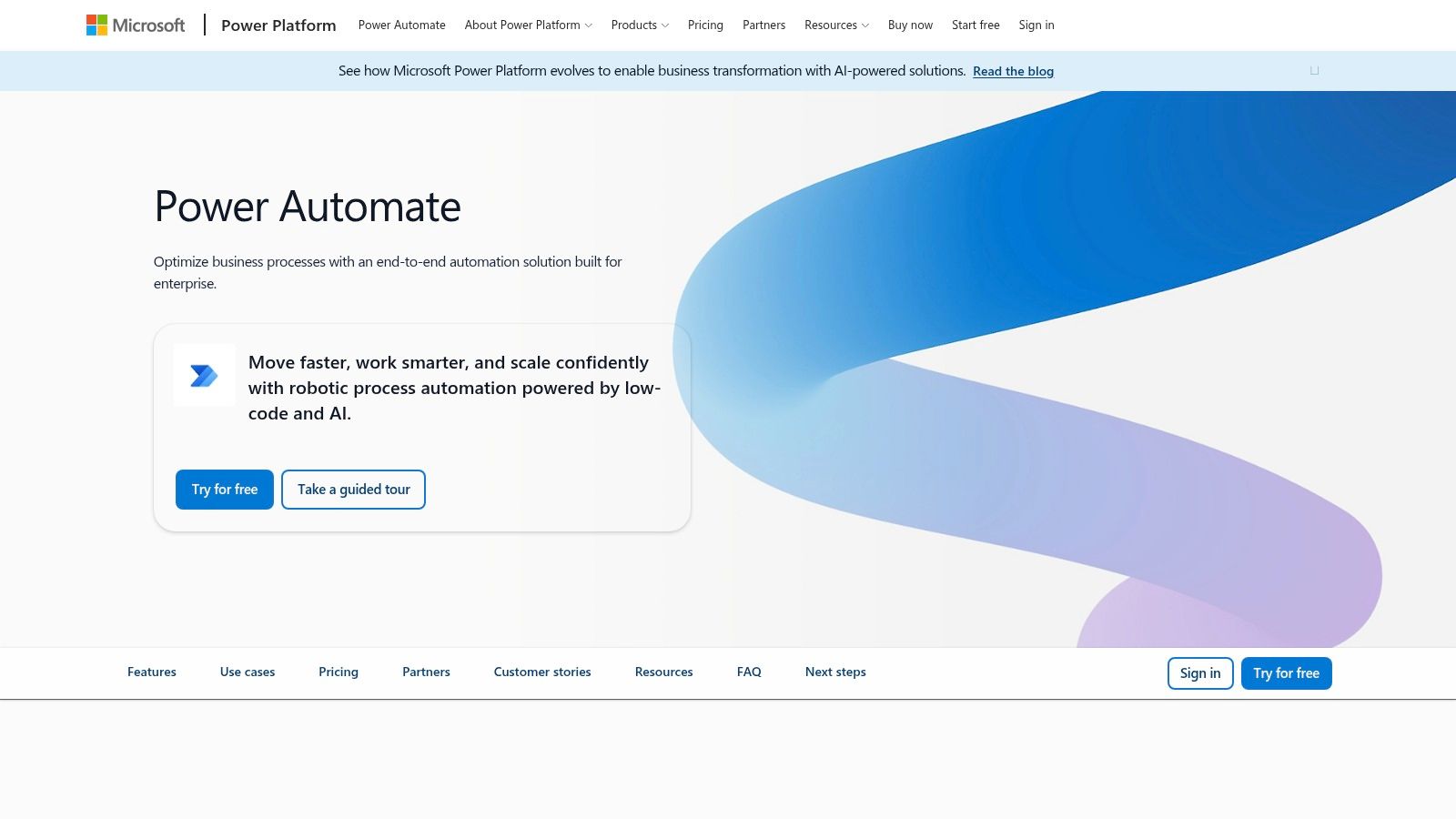
That desktop capability solves a specific, painful problem. Legacy invoicing, claims, and back office tools often force copy and paste work that app connectors can't touch. Combining cloud and desktop steps lets one process start in email, move through approval in Teams, and finish inside old software.
- Strengths: Deep Microsoft ecosystem integration plus RPA for repetitive desktop tasks.
- Friction: Licensing is more complicated than a flat monthly plan, and desktop automation needs machine setup and the right license.
- Fit check: Confirm which flows your existing Microsoft seats cover before assuming it's free.
Don't buy Power Automate if you're a small team outside the Microsoft stack automating straightforward SaaS handoffs. You'll pay in licensing complexity for depth you never use. Inside a Microsoft heavy organization with legacy desktop steps, it's often the least disruptive choice you can make.
6. IFTTT
IFTTT's applet platform is the simplest mental model on this list. One trigger in one service fires one action in another. A starred email creates a task. A new photo gets backed up. A smart device event sends a notification.
Simplicity is the product, and also the limit. Plans list unlimited applets subject to monthly credit allowances, with paid tiers offering faster applet speeds and larger allowances. That works for personal productivity and lightweight alerts. It doesn't give you the branching, error handling, or audit detail an operations process needs when a run fails overnight.
- Strengths: Easy to understand, a free tier to try, and published plan credit limits.
- Limits: Less flexible for multi-step business logic, and monthly credits constrain heavier use.
- Best use: Personal routines, smart home triggers, and simple notifications.
Don't buy IFTTT if the workflow touches customer records, billing, or anything you'd need to debug under pressure. You won't get the control surface when something breaks. Buy it for the small stuff you keep meaning to automate in your own day, and leave operational processes to a tool built for them.
7. Airtable Automations
Ask where the data lives first. If the answer is already Airtable, Airtable Automations removes a whole integration layer. Triggers and actions operate directly on records and bases, so a status change can notify an owner, advance an editorial workflow, or kick off an external action without syncing data to a separate hub.
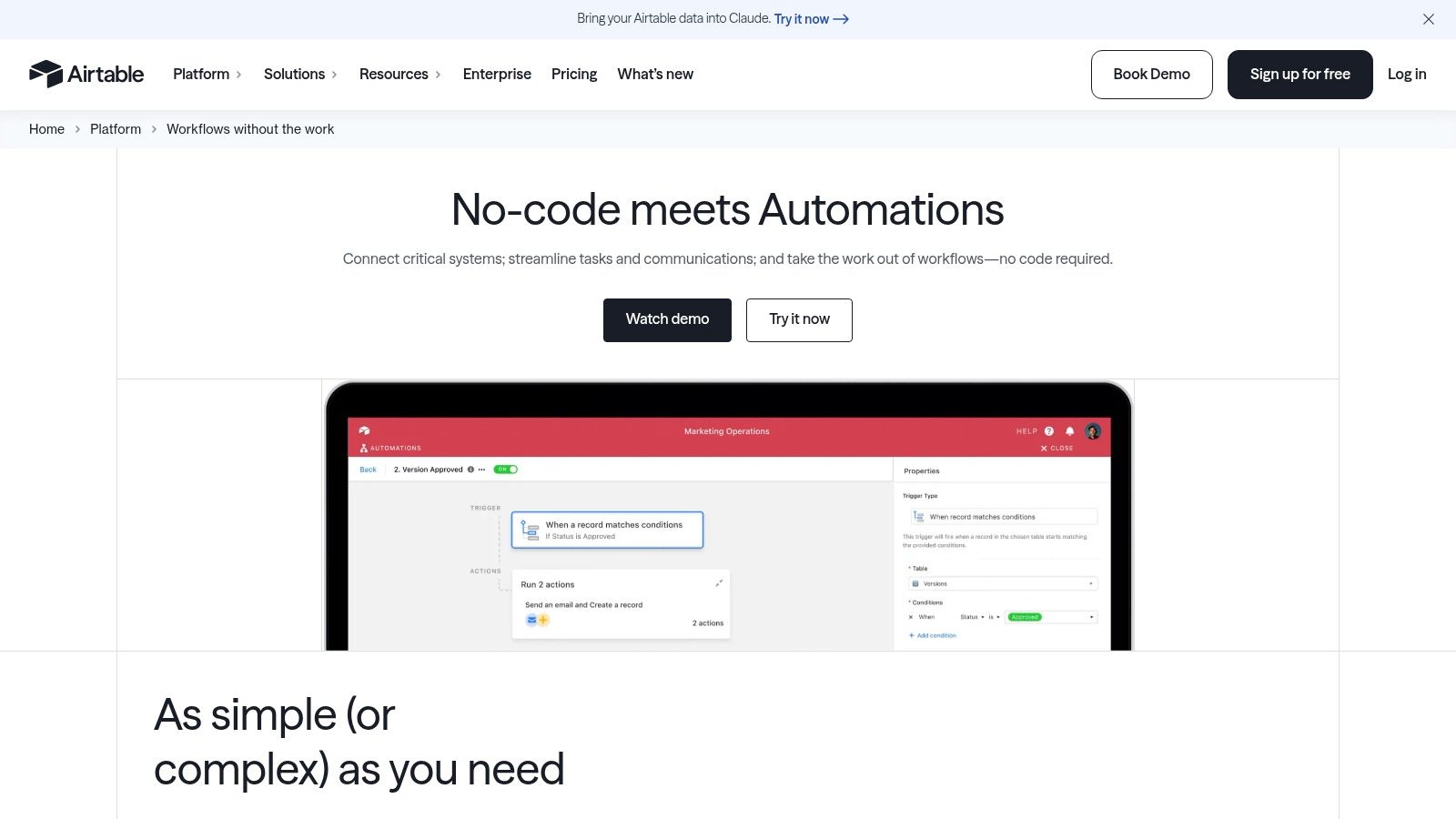
That closeness to the data is the advantage. Teams running content pipelines, lightweight CRMs, or asset tracking in tables, views, and interfaces get automation where the work already happens. It also supports external connections and AI related automation features for steps that reach beyond the base.
- Strengths: Convenient when Airtable is your system of record, with a free plan and paid tiers for higher capacity.
- Limits: Automation allowances vary by plan, and paid plans charge per seat, which adds up as editors grow.
- Boundary: It's weaker as a general purpose hub spanning many unrelated apps.
Don't buy Airtable Automations if your processes mostly live elsewhere and you'd be importing data just to automate it. That's backwards. Choose it when the base is already the operational center and most triggers start with a record changing.
8. Activepieces
Pricing predictability is the hook for Activepieces automation. A standard workflow run counts as one credit regardless of steps, which makes multi-step flows easier to estimate than per action billing. For a ten-step lead enrichment flow, that difference decides whether forecasting is simple math or guesswork.
You also get deployment choice. The visual builder runs in the cloud or self-hosted, listed plans include unlimited flows, and higher tiers add team features such as user roles. AI features and API access extend it beyond basic connectors.
A per-run price only helps if you monitor run volume. Set alerts before overage charges teach you the lesson.
- Strengths: Free plan, self-hosting option, and straightforward credit math for step-heavy workflows.
- Trade-offs: Credit quotas and overages need watching, self-hosting means ongoing maintenance, and some governance features sit on higher plans.
Don't buy Activepieces if you want self-hosting benefits without anyone to run the server, or if you need mature governance on a low tier. It's a smart shortlist pick for cost conscious teams whose flows have many steps and who want an exit path to their own infrastructure later.
9. Pipedream
Some workflows fail in no-code tools for one annoying reason. The connector exists, but the exact API call, data shape, or edge case you need doesn't. Pipedream's developer automation platform is built for that moment, pairing prebuilt tools and triggers with custom JavaScript and Python steps.
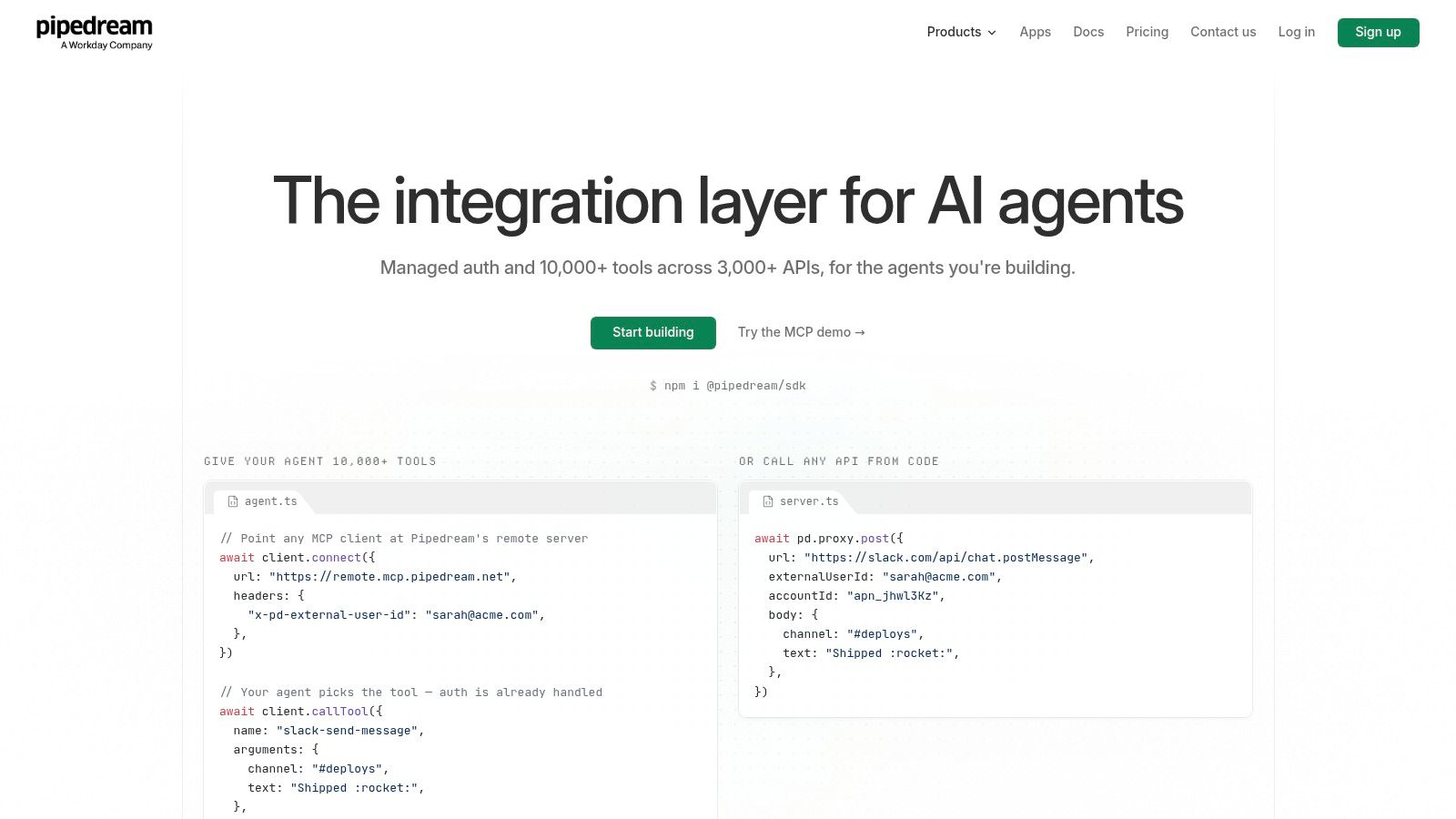
Developers get a free environment to build and test, then paid plans for production environments and usage credits. That split encourages proper staging, which matters when a workflow writes to production systems. Webhook reliability becomes your problem fast at this level, so it's worth looking at how tools like HookWatch unified monitoring for webhooks, crons, and MCP approach watching those inbound signals.
- Strengths: Code steps for custom API and data handling, and a free tier for building and testing.
- Costs to check: Production use requires a paid plan, and external user costs depend on your deployment model.
Don't buy Pipedream if your team can't read code and expects a guided no-code builder. The learning curve will stall every request. For developers who keep hitting connector limits, it's often faster than maintaining your own glue servers.
10. Workato
Workato's enterprise automation platform is built for processes that cross departments and core business systems, where governance and security aren't optional extras. A quote to cash flow touching CRM, ERP, and finance needs controls a solo founder's lead alert doesn't. Workato's usage based pricing for direct customers reflects that enterprise scope.
The maturity gap is why platforms at this tier exist. The Deloitte intelligent automation survey reported 73% of organizations had started their automation journey, yet only 13% said they were implementing automation at scale. Pilots are easy. Coordinated, monitored processes with exception handling are not.
Integration fragility is part of that gap, which is why approaches like Self-Healing Integrations are gaining attention among teams tired of silent connector failures.
- Strengths: Enterprise security, governance, and data protection features, with a free account path to explore.
- Trade-offs: Pricing depends on edition and usage, and you may need a custom quote.
Don't buy Workato if you're a small team automating a handful of SaaS handoffs. You'll fund governance depth you never touch. Shortlist it when multiple departments depend on the same automations and failure has a real operational cost.
11. Tray.ai
Tray.ai's integration and automation platform sits in the same enterprise conversation as Workato, with a low-code drag and drop builder, governance features, and AI agent development capabilities. Its pricing page lists more than 700 connectors, and enterprise options include SSO, regional hosting, and advanced connectivity.
Where Tray differentiates is deployment range. Plan levels address individual, department wide, and enterprise rollouts, and support plus professional services can help larger implementations land. MCP related capabilities also matter if your roadmap includes agents acting across connected systems under central oversight.
- Strengths: Integration depth with governance and operational oversight for larger organizations.
- Friction: Quote based pricing makes quick cost comparisons difficult, and evaluation may require a demo or sales conversation.
- Fit check: Prepare your connector list, data residency needs, and volume estimates before that call.
Don't buy Tray.ai if you're a solo founder who wants to test a workflow this afternoon with a credit card. The sales cycle alone defeats that goal. Consider it when you're consolidating department automations onto one governed platform and can justify an enterprise evaluation. Among the best workflow automation tools here, it's the one you buy deliberately, not impulsively.
Workflow Automation Tools at a Glance
| Tool | Best For | Team Size | Pricing Model | Technical Skill Needed |
|---|---|---|---|---|
| Zenfox.ai | Autonomous workflows, research, and cross-app task execution | Individuals to enterprise teams | Free, Pro, Max, and Enterprise plans | Low; describe goals in plain English |
| Zapier | Connecting popular apps with straightforward workflows | Founders and small teams | Free tier; paid plans with task-based usage | Low |
| Make | Visual workflows with branching and data transformations | Small to mid-sized teams | Free tier and paid plans using credits | Moderate |
| n8n | Custom, API-heavy workflows with deployment control | Technical teams of various sizes | Hosted or self-hosted; pricing depends on deployment and use | Moderate to high |
| Microsoft Power Automate | Microsoft ecosystem automation and desktop RPA | Small teams to large organizations | Licensing varies by features and usage | Low to moderate |
| IFTTT | Simple personal automations and notifications | Individuals and small teams | Free and paid tiers with monthly credit allowances | Low |
| Airtable Automations | Automating processes managed in Airtable | Small to mid-sized teams | Free and paid plans with plan-dependent limits; paid plans are per seat | Low |
| Activepieces | Visual multi-step workflows with cloud or self-hosted deployment | Individuals to teams | Free and paid plans with credit-based usage | Low to moderate; self-hosting requires technical skills |
| Pipedream | Developer-focused workflows with APIs and custom code | Developers and technical teams | Free development and testing; paid production plans with usage credits | High |
| Workato | Governed automation across enterprise systems and departments | Mid-sized to large organizations | Usage-based; direct pricing depends on edition and usage | Moderate to high |
| Tray.ai | Enterprise integrations, governance, and AI workflows | Departments and large organizations | Tailored, quote-based pricing | Moderate to high |
Choosing the Right Tool and Putting It to Work
Match the tool to the maintainer, not the demo. A nontechnical founder with simple app handoffs should start with Zapier, IFTTT for personal routines, or Zenfox when the work needs context and autonomous follow through. An operations generalist who thinks in branches will get more from Make. A team already running on Airtable or Microsoft 365 should use the automation that sits on top of that data before adding a separate hub.
Technical skill changes the ranking completely. Developers who want code, staging, and API control belong on n8n or Pipedream. Activepieces splits the difference when per-run pricing and optional self-hosting matter. Workato and Tray.ai only make sense once multiple departments, formal governance, and enterprise systems enter the picture. Buying enterprise depth early doesn't make you future proof. It usually makes your first three workflows slower to ship.
Judge cost per successful business outcome, not cost per task. The Morningstar report on Deloitte's 2026 enterprise AI survey of 3,500 leaders found 28% of organizations reported AI-related revenue gains, up from 20% in an earlier January survey. Adoption is not value. A cheap flow that fails and costs an hour of detective work each week is expensive.
Run a 30-day pilot before committing, whichever tool you pick:
- Pick one outcome: Lead follow-up within an hour, invoice data entered without retyping, or a weekly report assembled on schedule.
- Measure the basics: Setup hours, successful completion rate, manual interventions per 100 runs, and time to diagnose a failure.
- Break it on purpose: Disconnect an app, send a malformed record, and confirm you get alerted and can replay safely.
- Check the exit: Confirm you can export workflows or rebuild them from documented APIs if pricing or needs change.
Pilot standard: If a workflow needs human rescue most days, you haven't automated a process. You've created a monitoring job.
Spending to fix this is already rising. The Automation.com Enterprise Automation Index 2025 found 73.2% of surveyed businesses reported increasing automation investment during the prior year. Spend yours on the tool your actual team will maintain. Also decide your autonomy boundary now. Keep human approval for irreversible financial, legal, security, or customer facing actions, and let agents handle bounded, observable, reversible work first.
Once your internal workflows run without babysitting, give your launch the same structure. EarlyHunt offers founders a weekly launch workflow for new AI products, with seven days of homepage visibility, community voting, persistent listing pages that stay indexed after launch week, and launch assets handled for you.
Stop comparing connectors and start your pilot this week. Pick the one workflow that wastes the most hours, shortlist two tools from this list using the who should not buy notes, and run both against the same outcome for 30 days. Then, when the product those workflows support is ready for users, submit it for a Premium Launch on EarlyHunt for $19 one time and get a guaranteed dofollow backlink, a premium badge, nine ready made launch graphics, and social promotion across X, LinkedIn, Bluesky, Pinterest, and Facebook.