
You shipped the voice feature on Friday. It worked in staging, the demo sounded clean, and your cost estimate looked fine. Then the first production invoice landed at three times the forecast because diarization, keyterm prompting, and a second audio channel were billed as extras, not as part of the headline rate you modeled.
That pattern repeats across teams. You pick an API on a per-minute price, wire it up, then discover that streaming costs more than batch, medical mode is a separate model, or the features that make transcripts usable are add-ons. Accuracy claims rarely warn you either, because a clean benchmark clip doesn't sound like a compressed support call with two people talking over each other.
This guide to the best speech to text APIs skips the leaderboard approach. Each service below is judged by the workload it fits, live voice agents, batch call archives, multilingual recordings, or a stack already committed to one cloud. You'll see where published pricing helps you plan and where you'll need a sales conversation before you can forecast anything. Read for the fit and the billing structure first, then test two finalists on your own audio.
1. WhisperAI.com
WhisperAI API is built for teams that need transcription to arrive as a finished workflow. It runs on OpenAI's Whisper model and covers recorded and live audio, so a long interview can be uploaded in the browser, a meeting can be captured in real time, and your product can still call the API without maintaining three separate paths.
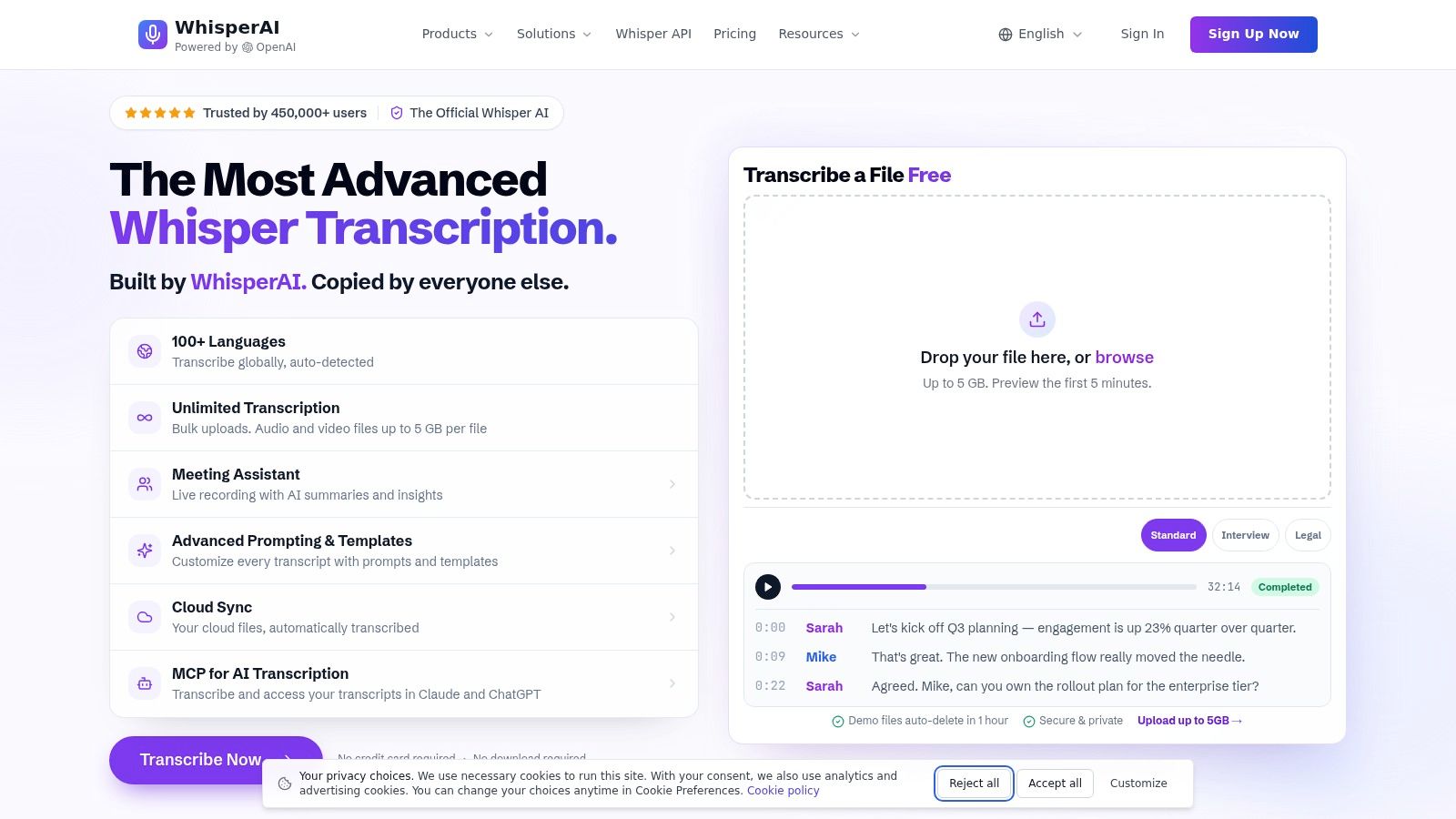
The practical wins show up in cleanup time. Named speaker labels keep multi-speaker sessions readable, custom vocabulary and per-file instructions protect names and technical terms that generic models mangle, and word or sentence level timestamps make subtitle timing and transcript search straightforward. Presets for verbatim, legal, medical, financial, technical, and customer support audio save you from writing the same prompting logic for every file type.
Where It Fits Best
Choose it when non-developers need to work in the same system as your API pipeline. The searchable editor supports inline edits and speaker renaming, exports cover PDF, DOCX, TXT, and SRT, and bulk uploads with reusable defaults suit recurring batch work. Automatic language detection with optional translation helps mixed-language backlogs, though it is worth checking whether translation belongs in the same workflow before you automate around it.
- Long recordings: handles lengthy events and depositions without forcing manual file splitting first.
- Pricing fit: model the workload you will run, browser edits, bulk uploads, API calls and any translation step, because the useful bill is the whole pipeline rather than the bare transcript.
- Privacy fit: put legal, medical, financial and support audio through the same retention and access review you would apply to any vendor holding recordings.
I'd pick it when predictable workflow cost and a usable editor matter as much as the model underneath.
2. Deepgram
Deepgram is the speech specialist on this list, and that focus shows in how it's packaged. You get streaming and prerecorded transcription under one API, with Nova models for general work and the Flux family built for conversational, low-latency applications where turn-taking speed decides whether a voice agent feels usable or broken.
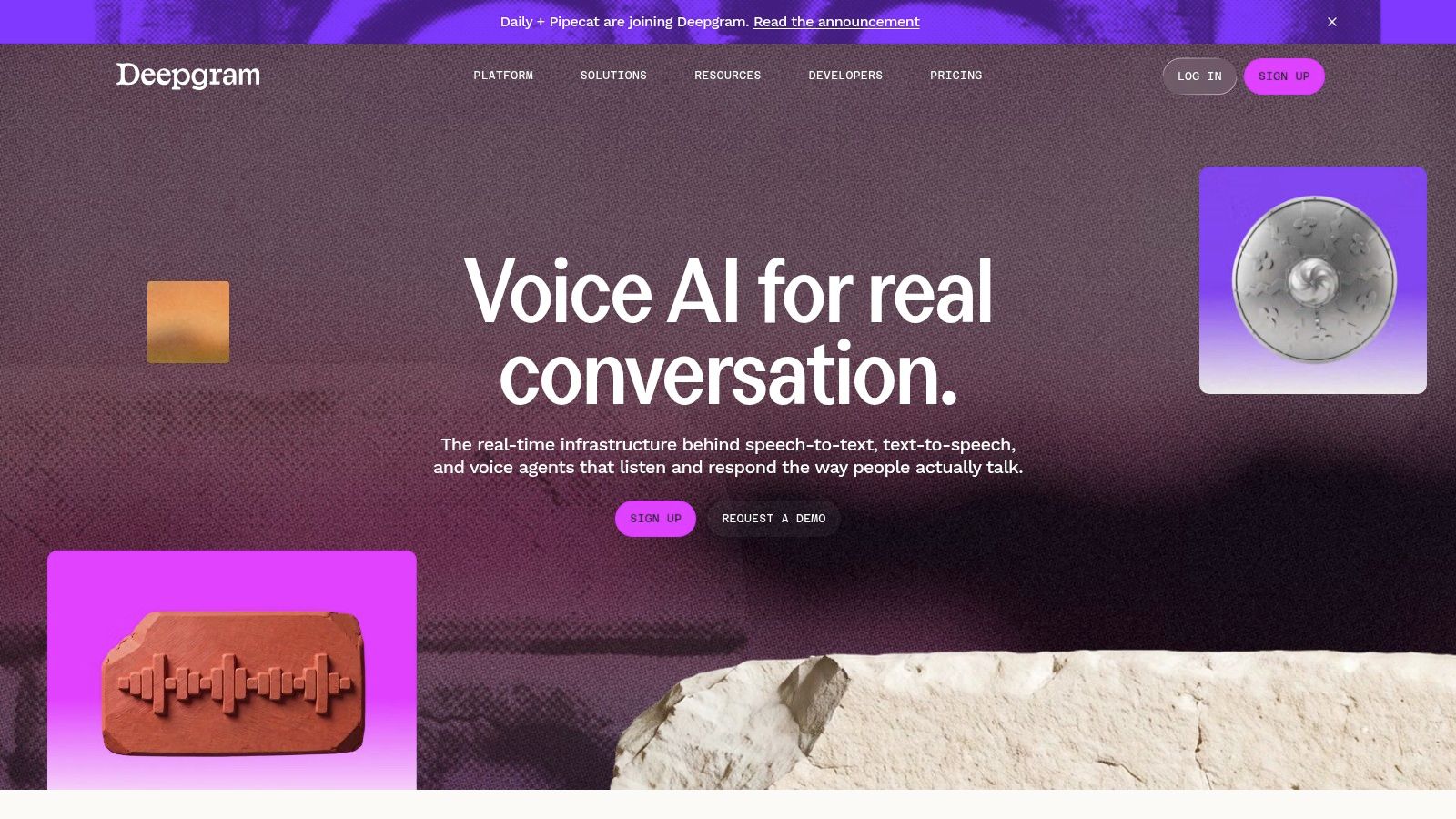
Budget carefully here. The published pay-as-you-go rates and free starting credit make prototyping cheap, but diarization, redaction, entity detection, and keyterm prompting sit outside the base transcription price on various configurations. Price the full request you'll send in production, not the bare transcript call from the quickstart.
Nova's multilingual models handle mixed-language audio, which helps if your callers switch languages mid-conversation. The trade-off is commitment shape. Annual prepaid Growth pricing rewards predictable volume and penalizes spiky workloads, and self-hosted deployment is positioned for enterprise customers, so small teams with strict data residency needs may hit a wall.
Practical rule: For voice agents, measure cost per completed live conversation, including retries and partial transcripts, not cost per audio hour.
If you're comparing realtime specialists, it's also worth scanning Soniox on EarlyHunt to see how a newer entrant positions its streaming offer.
3. AssemblyAI
Say you're building a meeting product one month and a dictation feature the next. AssemblyAI covers that spread with separate batch, realtime, and short-clip dictation workflows instead of forcing every use case through one endpoint with different flags.
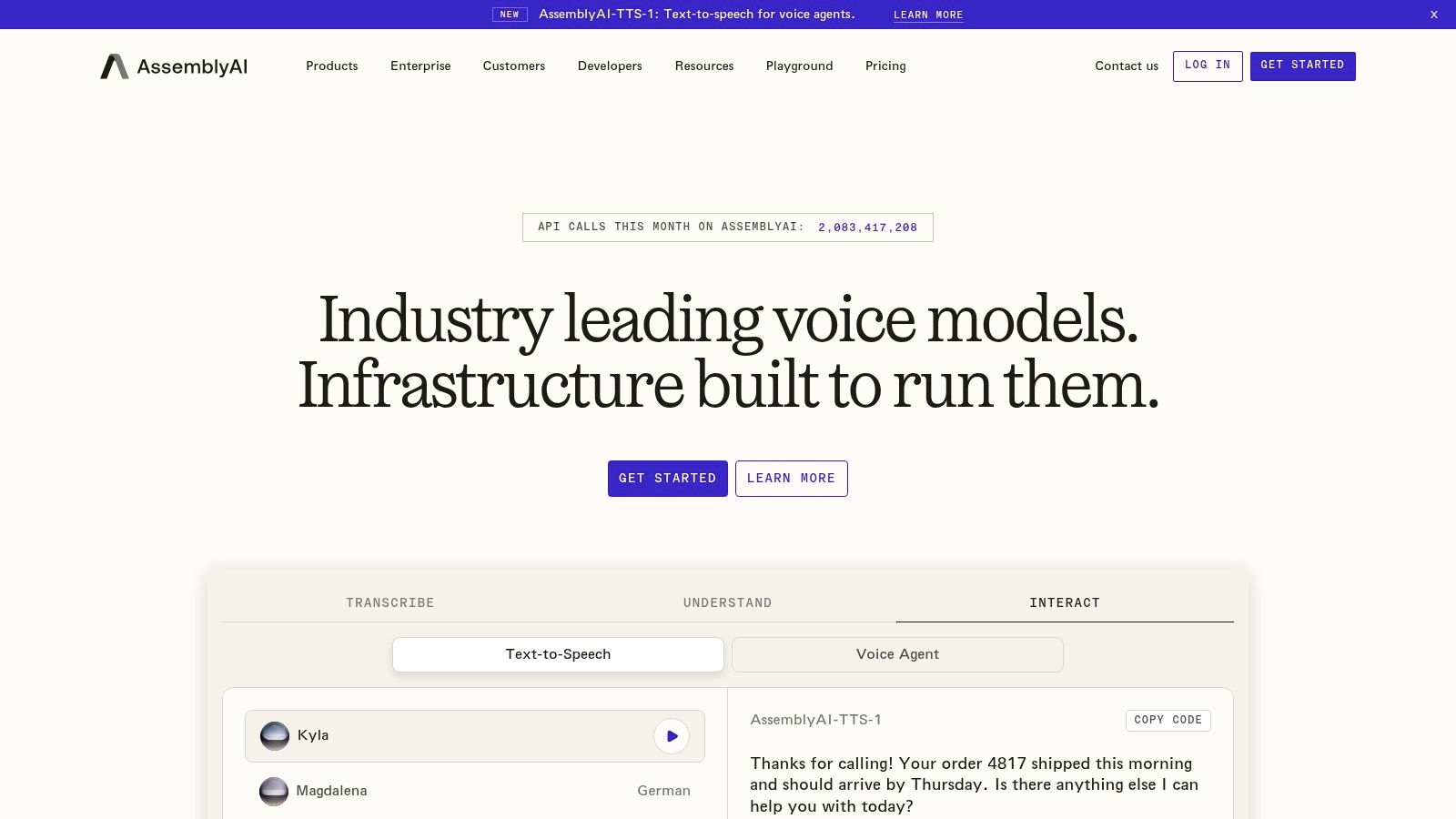
The Universal model line is the core. Universal-2 handles broad language coverage for general transcription, while Universal-3.5 Pro adds native code-switching for speakers who move between languages in one sentence. That distinction matters because capabilities vary by model, so the language count on the marketing page doesn't automatically apply to the model your workload needs.
The Add-on Question
Speaker labeling, medical mode, and dictation formatting controls are available, but they're add-ons that lift your effective rate above the headline transcription price. That's not a reason to avoid it. It's a reason to model your real configuration before launch. Public pay-as-you-go pricing at least lets you do that math yourself.
The ceiling shows up at scale. Custom rate limits and enhanced concurrency require a sales conversation, so if you're planning a high-volume launch, start that discussion during evaluation, not after you've built against default limits. For most product teams, though, the workflow breadth makes this a strong first test.
4. Google Cloud Speech-to-Text
Google Cloud Speech-to-Text makes the most sense when Google Cloud is already the system of record: audio in Cloud Storage, IAM and billing in one project, downstream analytics in the same account. You call Google Cloud Speech-to-Text through a project with billing enabled, then choose between V1 and V2 API options and recognition models rather than wiring a separate vendor into the pipeline.
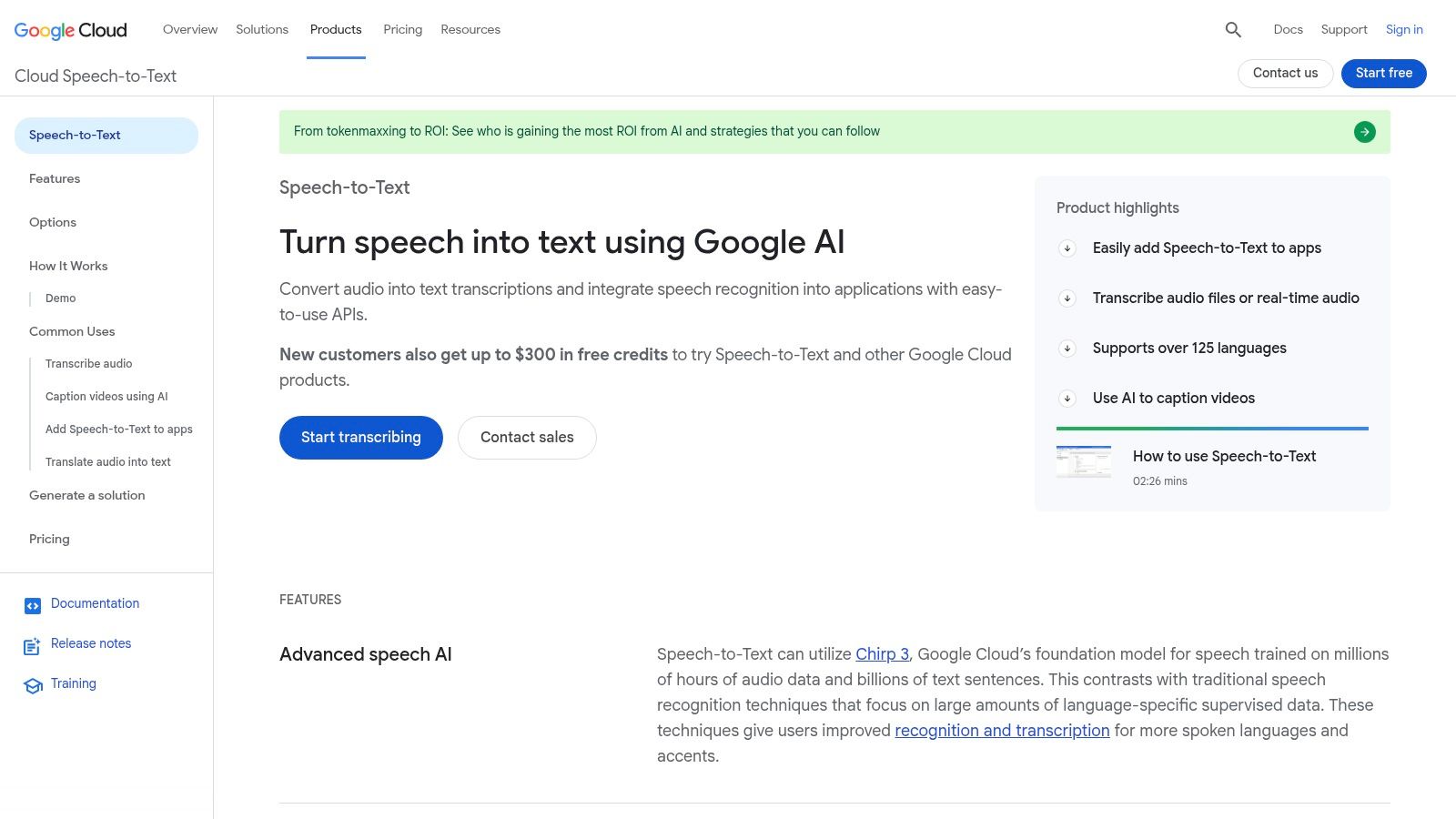
Google first unveiled its Cloud Speech API in 2016, and the company reported that by June 2018 usage was more than doubling every six months; the same update said the video model reduced errors by 64% compared with the default model on an internal video test set. Treat that as a model-selection lesson, not a brand trophy: the right recognizer for archive video can be the wrong default for short product audio.
The rate card is public, but the bill is configuration-heavy. Your price moves with API version, model, processing mode, volume, and audio channels, so two teams can both "use Google STT" and land on different effective rates. Dynamic batch is the lever for archives that can wait, because it trades latency for a lower transcription rate.
Budget for the pipeline around the API too. Storage, transfer, and other Google Cloud resources bill separately, which means the transcription line item is only part of monthly cost once retention, egress, and downstream jobs are included.
5. Amazon Transcribe
Amazon Transcribe covers the two contact-center workloads teams run in practice: batch jobs over recorded calls and streaming for live agent audio. When the recordings already sit in S3, both modes plug into your existing IAM roles and storage, so audio never leaves the AWS account and nobody maintains a second vendor relationship just to get searchable text.
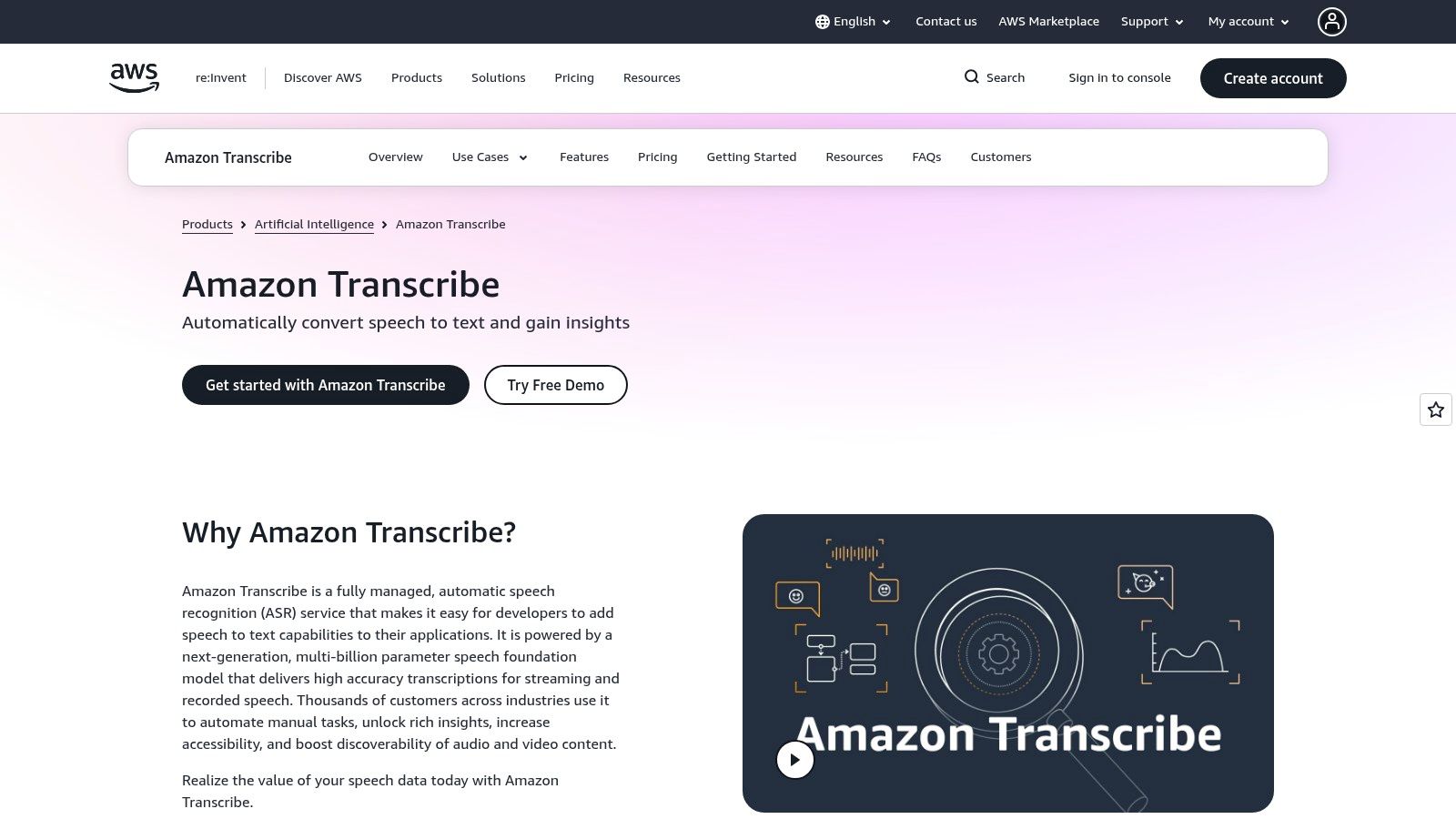
The base offering runs deeper than most competitors at the same tier. Speaker diarization, vocabulary customization, vocabulary filtering, and language identification ship in the standard API, which matters on support calls where you need agent-versus-customer splits and product names spelled right. Automatic content redaction and custom language models are optional adds for archives carrying PII or heavy domain jargon. Eligible new accounts also get a limited Free Tier allowance during the first year, enough to pilot on real call audio rather than a demo clip.
Costs need a closer read than the headline rate suggests. Pricing shifts by AWS Region and usage tier, and optional features compound across a large archive, so pull the rate card for the specific region where your data has to stay. Accuracy figures deserve the same skepticism: results vary with call quality, accents, and whether channels are recorded separately, so run a sample of your own recordings through the service before trusting any published word error rate.
For caption workflows built on the same kind of pipeline, BlitzCut AI on EarlyHunt shows how transcription gets packaged for video creators.
6. OpenAI Audio API
The OpenAI Audio API earns its place when the audio pipeline already ends in OpenAI. You transcribe a support call, then hand the text to the model you already call for summaries, extraction, or routing. One vendor, one billing relationship, no second contract.
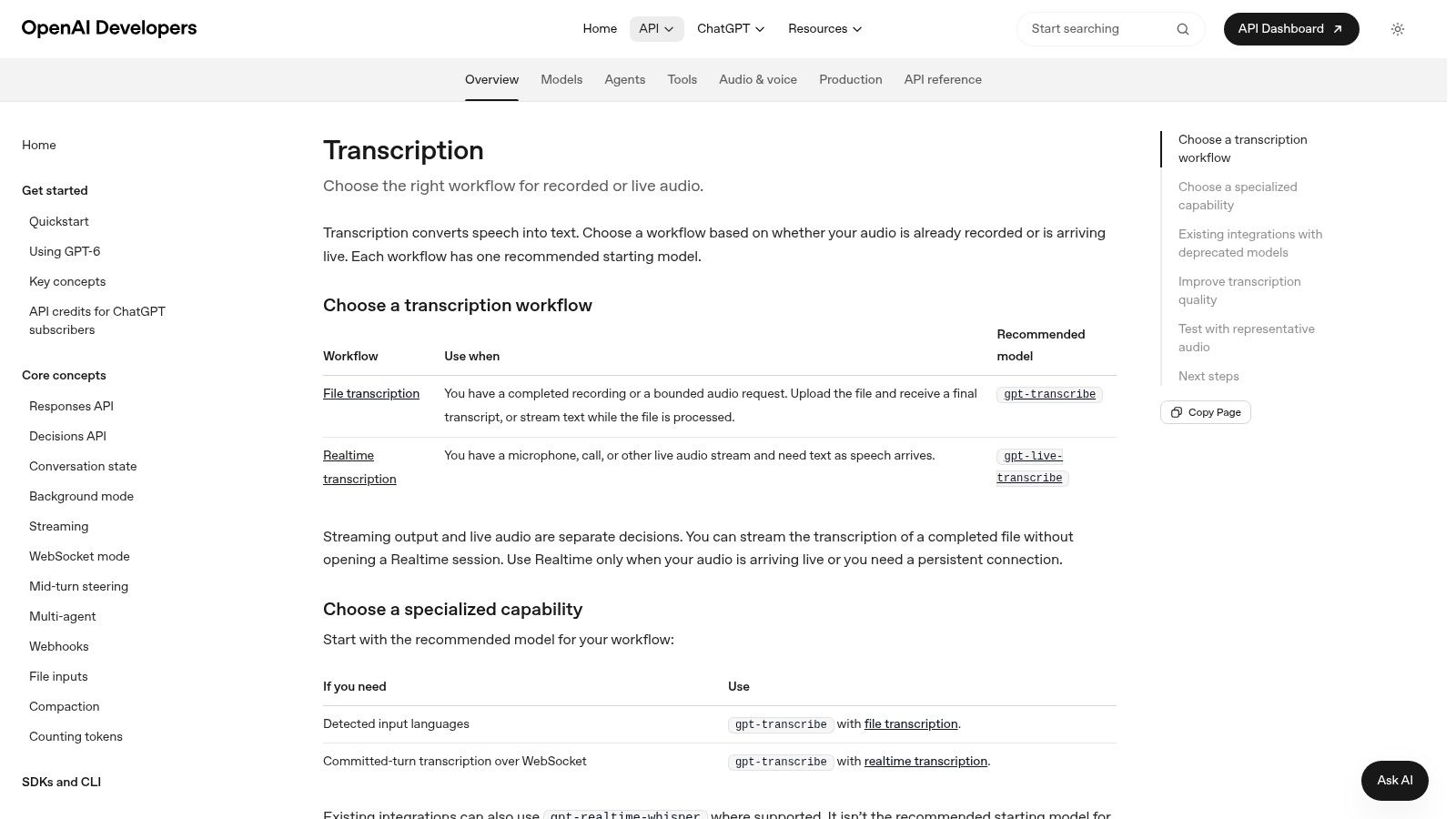
The documentation splits the job cleanly. Recorded audio goes through the file transcription path, live audio through the realtime path, and both accept context inputs for prompts, keywords, and expected languages. Those hints help with product names and acronyms, so supply them rather than hoping the model guesses your terminology. File jobs can return text, JSON, subtitle formats, or streamed transcript events.
Pricing Needs a Second Look
Rates differ by model and by billing unit. The OpenAI GPT-4o Transcribe model page bills transcription by audio input tokens and text output tokens, while other transcription routes charge per minute of audio. Token-based and minute-based billing forecast very differently, and token rates shift between model generations, so pull the current per-token figures from the linked model page before you estimate a month of call volume.
Output options and supported formats vary by model too. Test your exact file types and response format early, and if your codebase still references older transcription routes, confirm they map to the model and rate you expect before those calls hit production volume.
7. Speechmatics
Speechmatics is built around model choice. Instead of one general engine, you pick between models aimed at multilingual audio, higher-accuracy single-language work, cost-sensitive processing, and medical use, across both prerecorded and realtime transcription. Picking correctly matters more here than with single-model services.
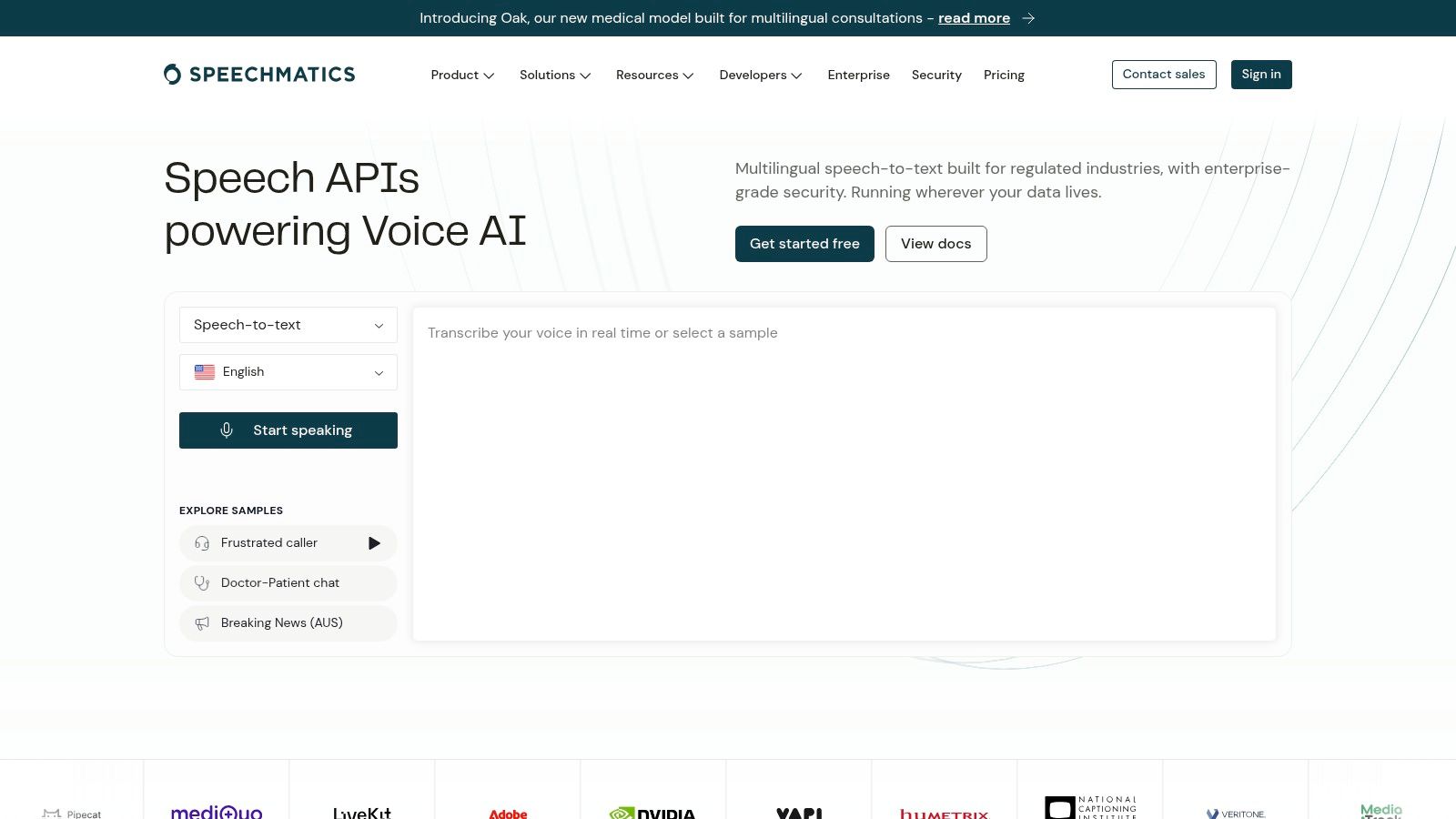
That specialization is a strength and a trap. Diarization, word-level timings, and smart formatting aren't uniformly available across every model, so a configuration that works for your English archive may not exist for your multilingual realtime stream. Map your required features to a specific model before you benchmark anything, or you'll test a setup you can't ship.
Deployment flexibility is where it stands out against the hyperscalers. Cloud, regional processing, and enterprise deployment options give you data-location choices that matter for European customers and regulated buyers. Published starting prices and free credits support a real evaluation, but treat the starting figure as a floor. Add-ons and enterprise deployment need a closer pricing review, and some of that detail only surfaces in direct conversation with their team.
I'd shortlist it for multilingual media archives and any product where where the audio gets processed is a compliance question, not a preference.
8. Rev AI
Rev AI suits teams whose transcripts end up in front of humans, captions, media archives, legal review, anywhere the text gets read and corrected rather than fed straight into another model. It offers asynchronous transcription for recorded files and streaming for live audio, so one vendor can cover your archive backlog and your live captioning.
You also get a choice of automated engines, including Reverb and Whisper-based transcription, with different rates and language coverage. That lets you route by job. Send routine files to the cheaper option, keep the stronger multilingual path for recordings that need it, and compare both against your own samples instead of trusting a brochure figure.
The supporting APIs reduce glue work. Language identification routes files before transcription, custom vocabulary protects recurring names, forced alignment syncs text to audio for editing tools, and transcript insights cover analysis you'd otherwise build yourself.
Two cautions. Free credits are for testing, not a permanent free tier, so your cost model should start at paid rates. And keep human transcription out of your API budget entirely, since it's a separate service at a substantially higher price. For a consumer-facing take on the same job, see this video transcription tool on EarlyHunt.
9. Gladia
Mixed-language audio breaks a lot of transcription setups. A support call starts in French, switches to English for a product name, then switches back, and single-language models either mistranscribe the switch or need you to guess the language in advance. Gladia is aimed squarely at that problem.
Its Solaria-1 model supports multilingual audio with mid-sentence language changes across realtime and asynchronous modes, while asynchronous Solaria-3 targets noisy conversational business audio. Those are different tools for different jobs, so check which model carries the capability you're counting on rather than assuming feature parity.
A model that handles language switching well on clean recordings can still fall apart on compressed phone audio. Test the switching and the noise together.
The billing story is friendlier than most. Diarization, translation, and sentiment are described as included rather than separate add-ons, which removes the invoice surprise that opens this article. Published pay-as-you-go rates and trial credits let you verify that on real files. Official Python and JavaScript/TypeScript SDKs cover the common stacks. Still confirm current model availability and limits before you build a launch date around a specific capability.
10. ElevenLabs Scribe
If your product already generates speech with ElevenLabs, ElevenLabs Scribe keeps transcription inside the same account, billing relationship, and API conventions. That consolidation is the main argument here, and for small teams it's a real one, since a second vendor means second credentials, second rate limits, and second status page.
The lineup splits three ways, Scribe v2 for prerecorded work, Scribe v2 Medical for clinical audio, and Scribe v2 Realtime for live transcription. Batch and realtime are priced differently, so a product that does both needs two cost lines in its forecast, not one blended guess.
Watch the optional controls. Keyterm prompting and transcript editing are useful when your transcripts carry brand names or drug names that can't be wrong, but both carry additional listed rates that raise your per-hour cost above the base figure. Decide whether you need them on every file or only on a flagged subset, because that choice changes your monthly bill materially.
Plan allowances and concurrency limits also need checking against your peak load, not your average. A creator tool that spikes after a launch can exhaust an allowance sized for steady traffic.
11. Microsoft Azure Speech
Microsoft Azure Speech is the consolidation play for teams already on Azure. Speech-to-text sits alongside text-to-speech and speech translation in one service, so a product that transcribes a call and then reads a response back can do both under one set of credentials and one bill.
Getting started is cheap. The Azure Speech pricing page provides 5 free audio hours per month for Standard real-time speech-to-text transcription, which is enough headroom to run a serious evaluation against your finalists rather than a handful of demo clips.
The trade-offs are configuration and scope. Pricing depends on the feature and setup you select, availability varies by region and deployment, and a transcription-only project that doesn't otherwise use Azure may be buying into a platform it doesn't need. Published documentation is thorough, but you'll spend time in it confirming that the exact feature you want exists in the region your data has to stay in.
I'd pick it when your organization already standardizes on Microsoft cloud, your compliance team prefers that contract, or you need speech translation in the same pipeline. Outside those cases, the specialist APIs above usually get you to production faster.
Speech-to-text APIs compared by use case, pricing model, and key limitation
Workload picks the shortlist; the pricing model picks the bill.
| API | Best for | Pricing model | Free start | Key limitation |
|---|---|---|---|---|
| WhisperAI.com | Transcription, translation, summaries, and exports in one web app or API | Subscription plans; unlimited transcription on Pro and higher tiers | No free tier stated | Unlimited usage requires a paid tier |
| Deepgram | Streaming transcription and voice agents | Pay-as-you-go; Growth option | Free starting credit | Some features cost extra |
| AssemblyAI | Batch, realtime, and dictation transcription | Pay-as-you-go, with add-ons | No free tier stated | Add-ons can raise transcription costs |
| Google Cloud Speech-to-Text | Google Cloud shops with large, non-urgent workloads | Usage-based; rates vary by model and processing mode | No free tier stated | Requires Google Cloud billing; pricing varies by configuration |
| Amazon Transcribe | AWS-based batch or streaming transcription | Usage-based; rates vary by region and tier | Limited free allowance for the first year for eligible new users | Free tier is limited in duration and usage |
| OpenAI Audio API | Recorded or live transcription in OpenAI-powered products | Usage-based by model and workflow | No free tier stated | Pricing and output options vary by model |
| Speechmatics | Multilingual, medical, or cost-sensitive transcription with deployment choices | Usage-based; published starting prices | Free credits | Features vary by model |
| Rev AI | Recorded and live transcription plus transcript-processing tools | Usage-based; rates vary by model | Testing credits | Free credits are not a permanent tier |
| Gladia | Multilingual and mixed-language audio | Pay-as-you-go | Trial credits | Capabilities vary across models |
| ElevenLabs Scribe | Transcription alongside other ElevenLabs audio tools | Usage-based; rates vary by mode and add-ons | No free tier stated | Optional controls increase costs |
| Microsoft Azure Speech | Transcription integrated with broader Azure speech services | Usage-based; varies by feature and configuration | 5 free audio hours per month (Standard real-time) | Setup and feature availability vary by region |
Two kinds of free start appear in the table: one-time credits (Deepgram, Speechmatics, Rev AI, Gladia) and recurring or conditional allowances (Azure's monthly hours, Amazon's first-year offer). Apply the same read to cost. Add-ons raise the bill at AssemblyAI, ElevenLabs Scribe, and Deepgram, and I'd treat any rate that varies by region, feature, or configuration as a number to confirm in a sales conversation.
Choosing Your Speech API Before the First Test Call
Write down three constraints before opening a pricing page: audio type, language mix, and whether transcripts are needed live or after the fact. A call-center archive, a multilingual meeting recorder, and a voice agent all get sold as speech to text, but they punish different mistakes.
Build the test set from production audio rather than vendor samples. Pull ten minutes that include compressed phone audio, overlapping speakers, background noise, product names, numbers read aloud, and the accents your customers use. Run that identical clip through two finalists with the production configuration enabled: diarization, custom vocabulary, channel handling, and any add-on you expect to pay for.
Score with word error rate, then read past it. The Google Cloud accuracy evaluation guide explains that WER counts insertions, deletions, and substitutions against a human reference transcript. Treat it as a quality signal, not a ranking, because clean benchmark audio and accented customer speech often produce very different results.
That gap is the selection risk. A 2025 ACM study on accent disparities found performance disparities across five regional English accents and warned that speech technologies can reinforce accent-based exclusion. Score names, numbers, and technical terms separately; a wrong price or medication name costs more than a missed filler word.
Price the complete request, then price the month. Add diarization, keyterm prompting, extra channels, storage, retries, and the human review time created by the error rate you measured. The Fortune Business Insights market report estimated the global speech-to-text API market at USD 4.66 billion in 2025 and projected it to reach USD 25.28 billion by 2034. That growth helps explain why headline rates look simple while billable features sit one layer down.
Decide where audio is allowed to go. On-device processing can reduce latency and keep sensitive audio local; cloud APIs introduce network path, region, model, and queueing variables, so response behavior has to be measured under your own load. For healthcare, legal, or offline work, architecture can outrank leaderboard position, and a local-first setup with cloud fallback can beat a single-vendor bet.
Self-host only after counting GPU capacity, model updates, monitoring, failover, and scaling as ongoing operations. Managed APIs charge because that load is real.
Pick two finalists today, run the same ten minutes of ugly production audio through both with every feature enabled, and compare corrected transcripts against the full invoice each one would generate. Commit to the winner for one workload, not your whole roadmap. If the product you are building will sit on top of these APIs, list it on EarlyHunt and let early adopters test it on their audio.