Are you exporting a finished video for YouTube and social media, or are you generating visuals in real time for a stage or stream? That one question decides which best music visualizer belongs on your shortlist, and most flat rankings hide it. A template site that renders a clean, branded MP4 in the cloud can't react to a DJ changing tempo mid set. A live VJ instrument that thrives on MIDI control won't give you a captioned, resized promo package without extra recording and editing work.
I've split this list by workflow, not by demo quality. The first group makes exported promo videos from an uploaded track, artwork, and text. The second group makes live performance visuals that respond as audio plays. Some tools can cross over with screen capture or recording, but that workaround adds time, sync risk, and quality loss.
Use the table of contents to jump to your category. If you need a release asset today, start with revid.ai, Videobolt, Specterr, Rotor Videos, Renderforest, and VEED. If you need visuals behind a performer or on a stream, go straight to MilkDrop 3, projectM, Synesthesia, Magic Music Visuals, and Resolume Avenue. Picking the right category first saves you from buying impressive software for the wrong job.
1. revid.ai
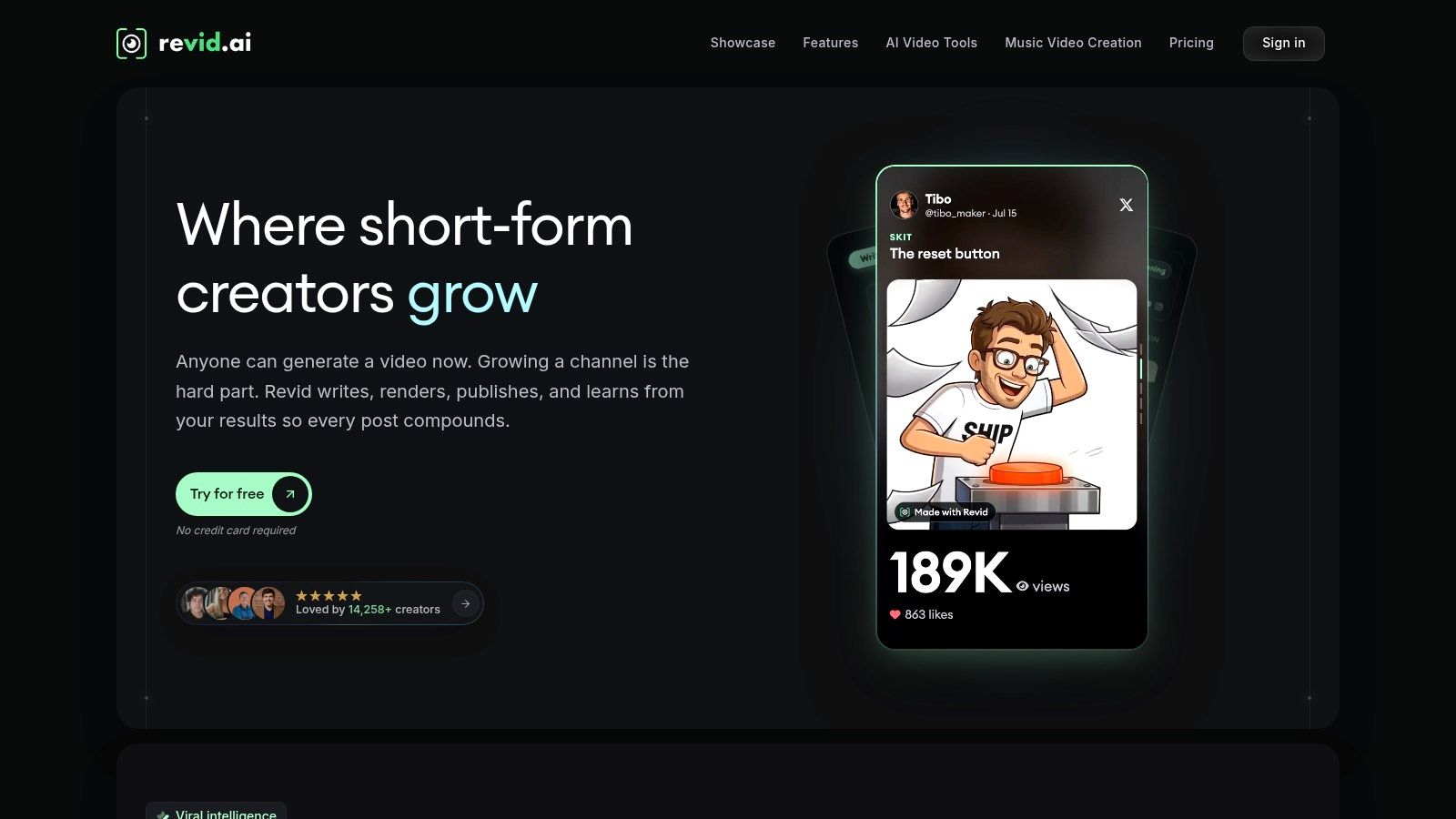
revid.ai fits creators who need social video fast and don't want to start from a blank timeline. It's built to turn an idea, existing content, or a link into publication ready video for TikTok, Instagram, and YouTube, with AI handling much of the assembly. For music, that means you can move from a track concept to a beat aware short without learning a full editor first.
Speed matters here for a concrete reason. A 2022 peer reviewed study of music video experiences reported that 73.5% of cases showed a long-term influence of the music video on participants' experience of the music. A weak or mismatched visual can stick for the wrong reasons, so fast iteration beats one slow, precious render. Ship three versions, watch which hook lands, then refine.
Where It Fits Best
Use the AI music video generator when the priority is volume, testing hooks, and getting vertical cuts published. The platform's strengths include trending content search, rapid script generation, and a customization editor, plus automation from sources such as blogs and social accounts. That broader toolkit helps musicians who also post explainers, lyric snippets, and promo clips from the same account.
If your bottleneck is publishing consistently, automation beats marginal control over every particle.
The trade-off is control. You get speed and formats sized for feeds, not a node based scene you can tune per frame. I recommend revid.ai for short form first releases and creators with no editing background. Choose a specialist template editor or a live tool instead if you need frame level preset control or stage performance.
2. Videobolt
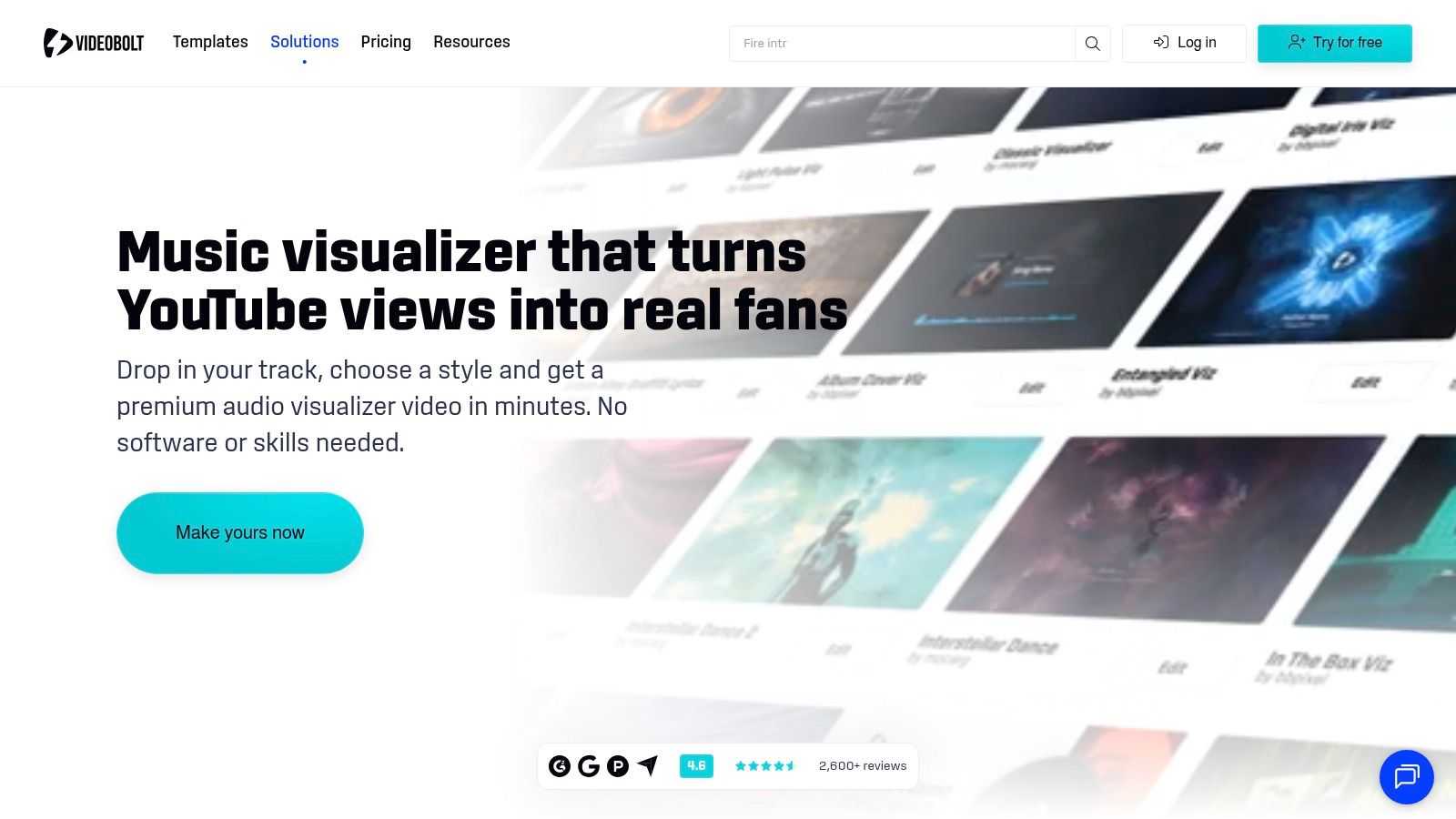
Videobolt is the predictable choice when you want a polished visualizer without building the scene yourself. You pick a template, add your track and artwork, then adjust colors, logos, overlays, and text before cloud rendering. It serves musicians, labels, and DJs who need a finished upload, not a live instrument.
Its templates cover waveform, spectrum, and 3D styles, which gives you more range than a basic bars editor. Free previews let you check timing and branding before paying. Paid plans add watermark free, higher quality exports and commercial use licensing for exported projects, subject to their terms.
- Strength: Strong visual variety with low setup.
- Strength: Templates formatted for YouTube and social media.
- Limit: Resolution and maximum duration depend on your plan.
- Limit: Template editing won't match a custom motion graphics workflow.
Compare it with other browser approaches, including this browser based music visualizer project, if you want to see how much control you need. I recommend Videobolt when a reliable, branded look matters more than building a unique visual system.
3. Specterr
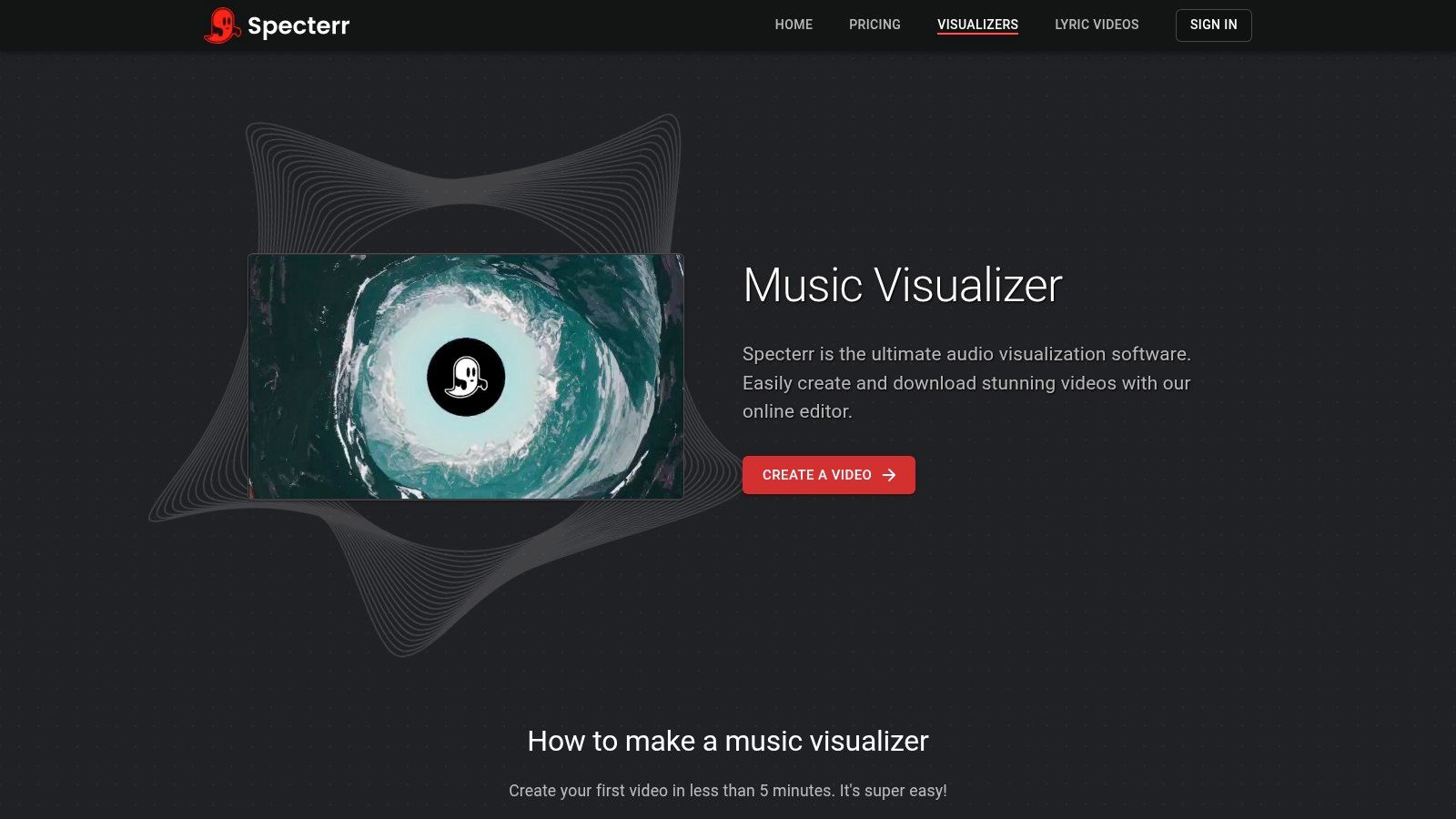
Say you like the classic spectrum around artwork look, but one click generators feel too restrictive. Specterr sits in that middle ground. It's a browser editor for uploaded audio where you choose a preset, then tune shapes, colors, particles, text, images, and effects while watching a live preview.
That preview is the main reason to pick it. You can test whether a logo stays readable when bass energy spikes and whether particles distract from the title. Cloud rendering handles the export, and the workflow suits short tracks and longer DJ mixes without installing desktop software.
Trade Offs To Weigh
- More control: You shape the visualizer instead of accepting a fixed template.
- No install: Editing and rendering happen online.
- Slower start: Detailed settings take longer than picking a finished design.
- Not live: It's built for rendered videos, not stage performance.
Check current export limits and prices in its pricing flow before committing to a long mix. I recommend Specterr for creators who want a recognizable visualizer style and enough controls to make it their own, without moving to VJ software.
4. Rotor Videos
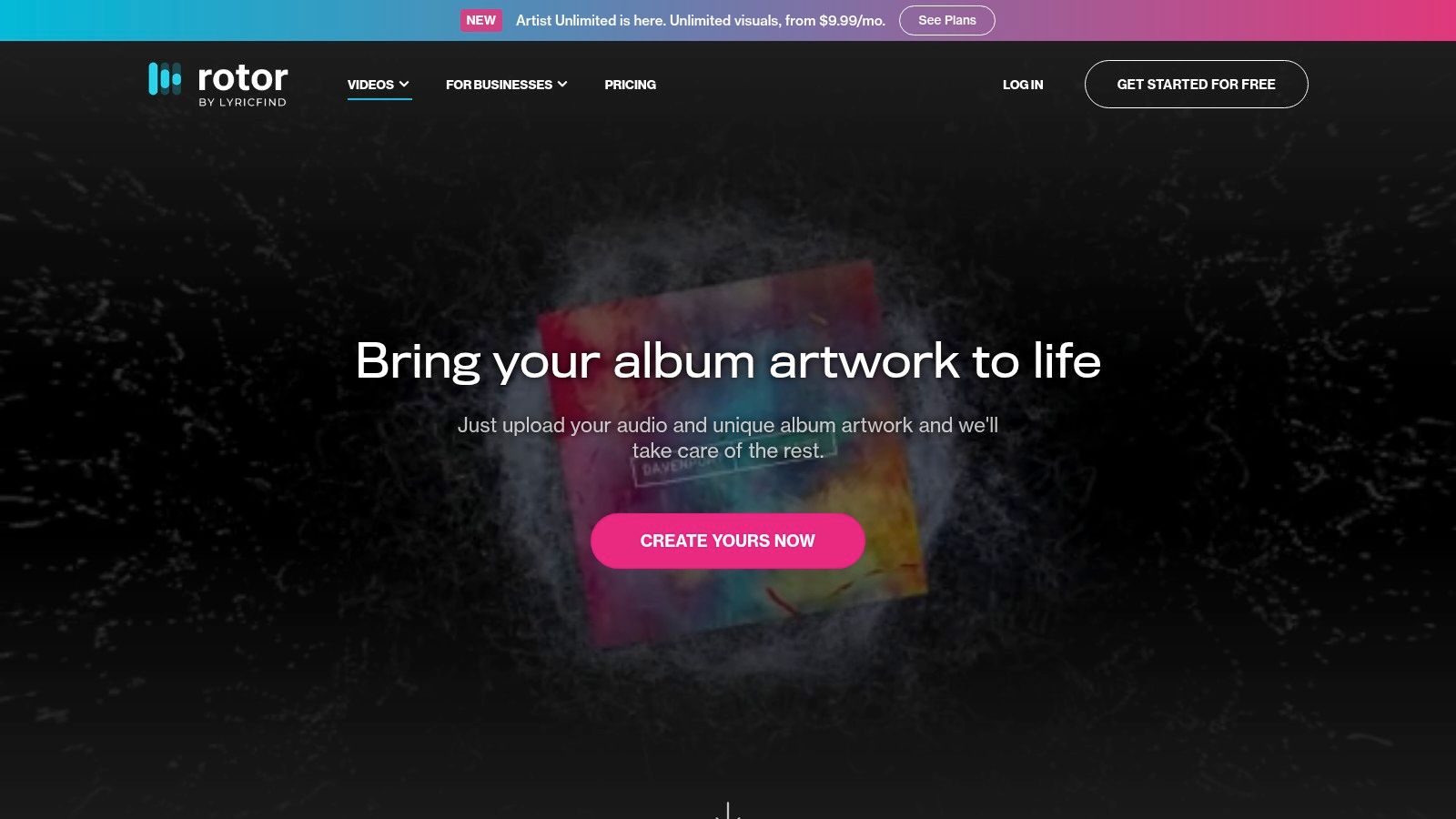
Rotor Videos treats a visualizer as one asset in a release campaign, not the whole campaign. Its artwork videos animate album or single art in response to audio, and the same service covers Spotify Canvas loops, lyric videos, music videos, and social formats. That breadth is useful when one track needs several platform versions.
The need for variants is real because audiences are fragmented. Industry reporting cited in The European Business Review's 2025 music video analysis lists YouTube at 2.53 billion monthly active users and TikTok at 1.6 billion. A single horizontal render rarely covers that spread well without reframing work.
You can preview projects for free, use stock footage, styles, and filters, or supply your own media. Downloads run through subscriptions or credit bundles, which suits pay as you go releases.
The constraints are clear. Subscriptions are tied to a single artist, credits are charged by format, and larger campaigns add up. It also isn't a full timeline editor. I recommend Rotor for artists who need a coordinated promo package quickly, especially if Canvas and lyric assets matter alongside the main visualizer.
5. Renderforest
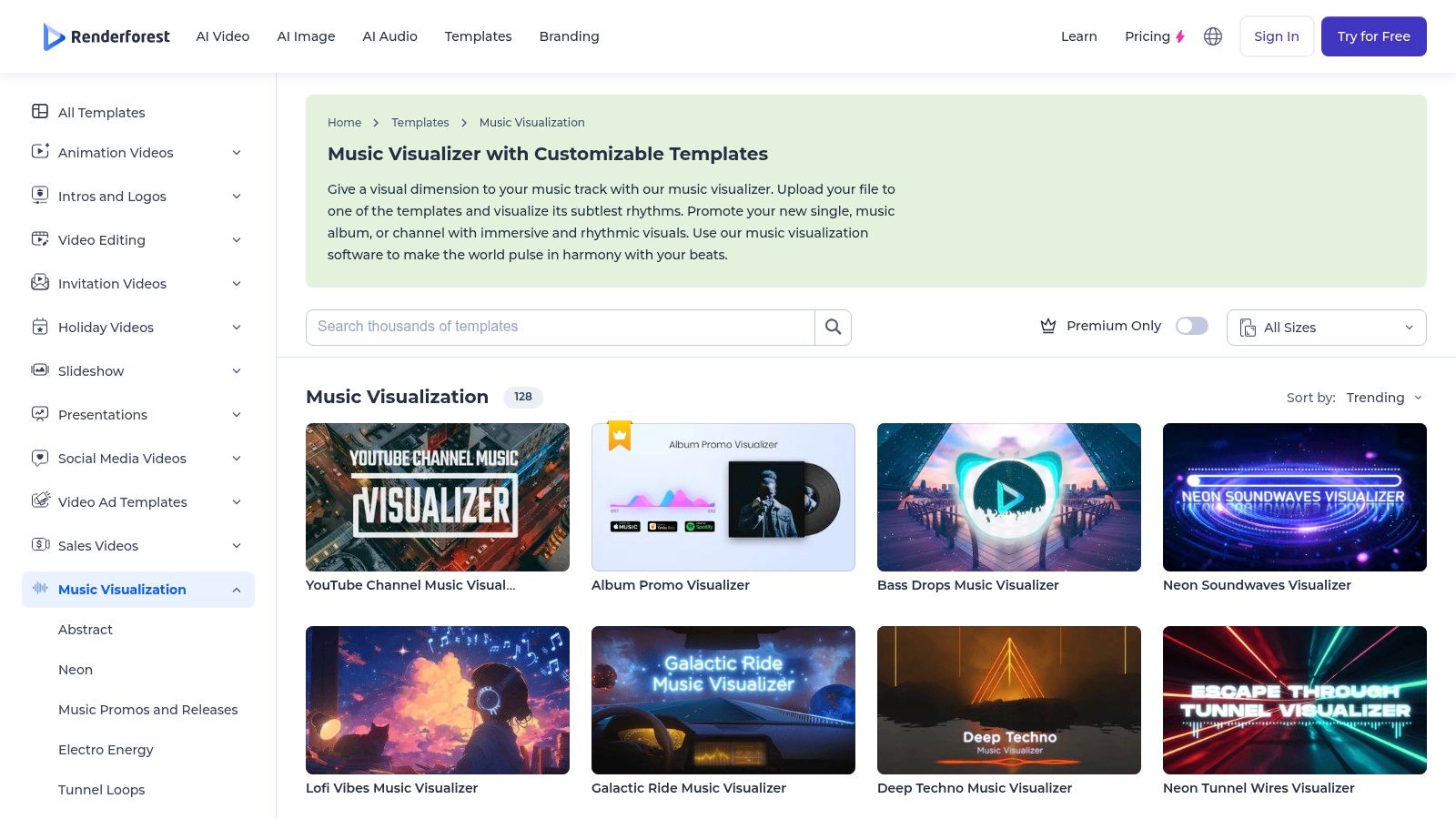
Renderforest makes sense if you already use its wider video, design, and website tools. You upload a track, choose from its catalog of music visualizer templates, and customize the guided result in a browser or mobile app. There's no scene building and no live control to learn.
That convenience is the product. Template selection is straightforward, and you can choose subscription plans or pay per product exports depending on how often you release. For channel content, promos, and simple YouTube uploads, a proven layout with your branding often beats a bespoke render you don't have time to finish.
Practical rule: Pick templates for repeatable releases, not for a signature visual identity you'll perform with.
The downsides follow the model. Free exports include a watermark, quality varies by plan, and song length and file size limits depend on the purchase route. You also won't get the live performance controls found in VJ software, and template looks can feel familiar.
I recommend Renderforest for creators who value an all in one account and predictable output. Skip it if watermark free quality, long tracks, or distinctive art direction are your first priorities until you've confirmed the right plan tier.
6. VEED
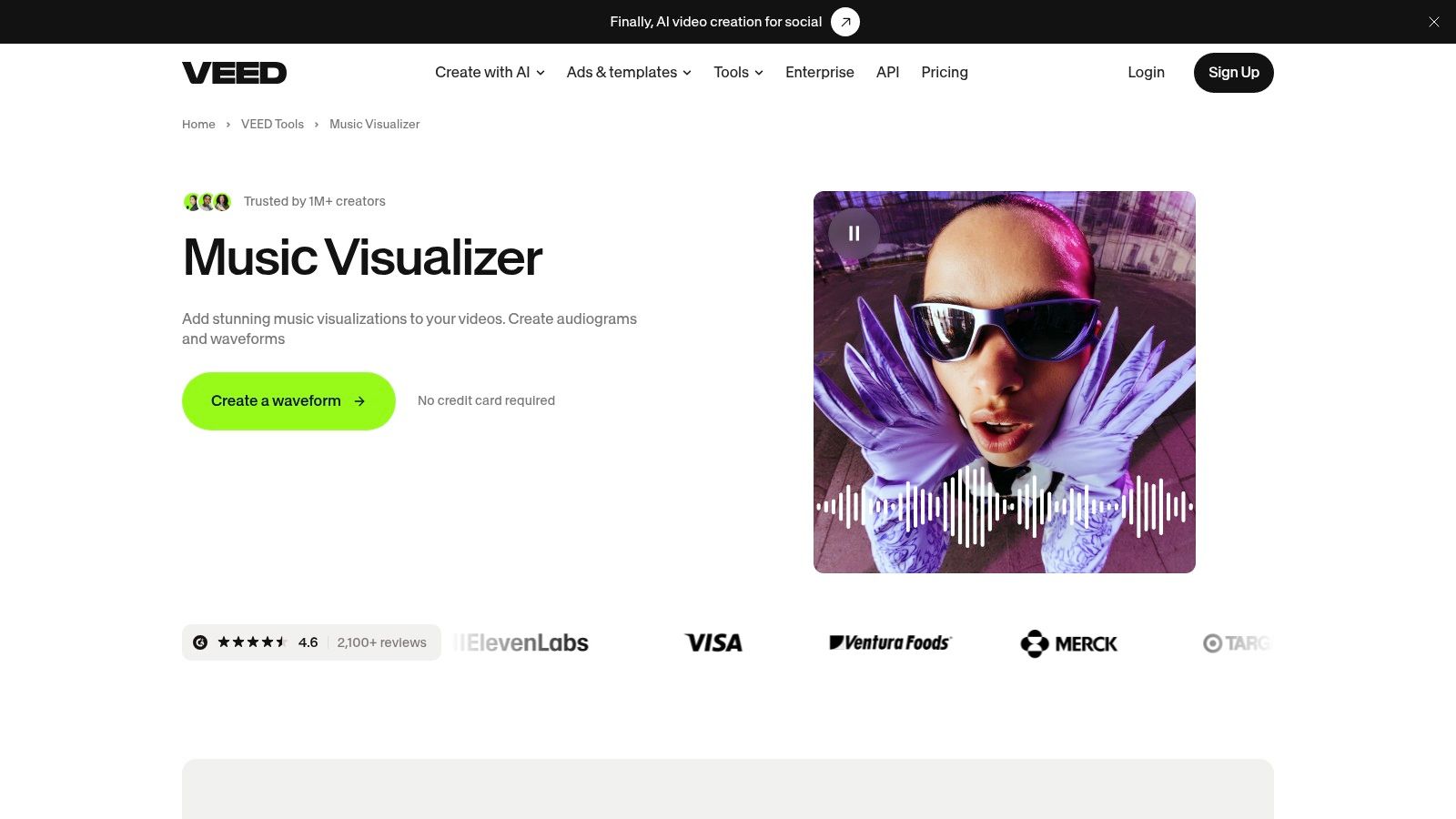
VEED works best when the waveform is only one layer in a social video. It's a browser editor that adds animated sound waves to audio or video, then lets you combine them with captions, text, branding, and resizing in the same project. You control wave color, opacity, and duration without installing software.
That editing context gives it an accessibility angle many visualizers ignore. An AI driven visualization study with 1,124 stimulus ratings found hearing participants rated visualization potential at 5.89 on average, while deaf or hard of hearing participants rated it 4.38. Captions, clear text, and readable structure help close that gap. Motion alone doesn't communicate lyrics or sections.
- Strength: Waveform, subtitles, and editing in one workflow.
- Strength: Fast path from audio to captioned social video.
- Limit: Visual treatments are simpler than specialist tools.
- Limit: It isn't designed for real time DJ or stream visuals.
See also this free AI video generator listing if you're comparing browser editors. I recommend VEED for podcast clips, lyric snippets, and branded posts where wording matters as much as the wave.
7. MilkDrop 3
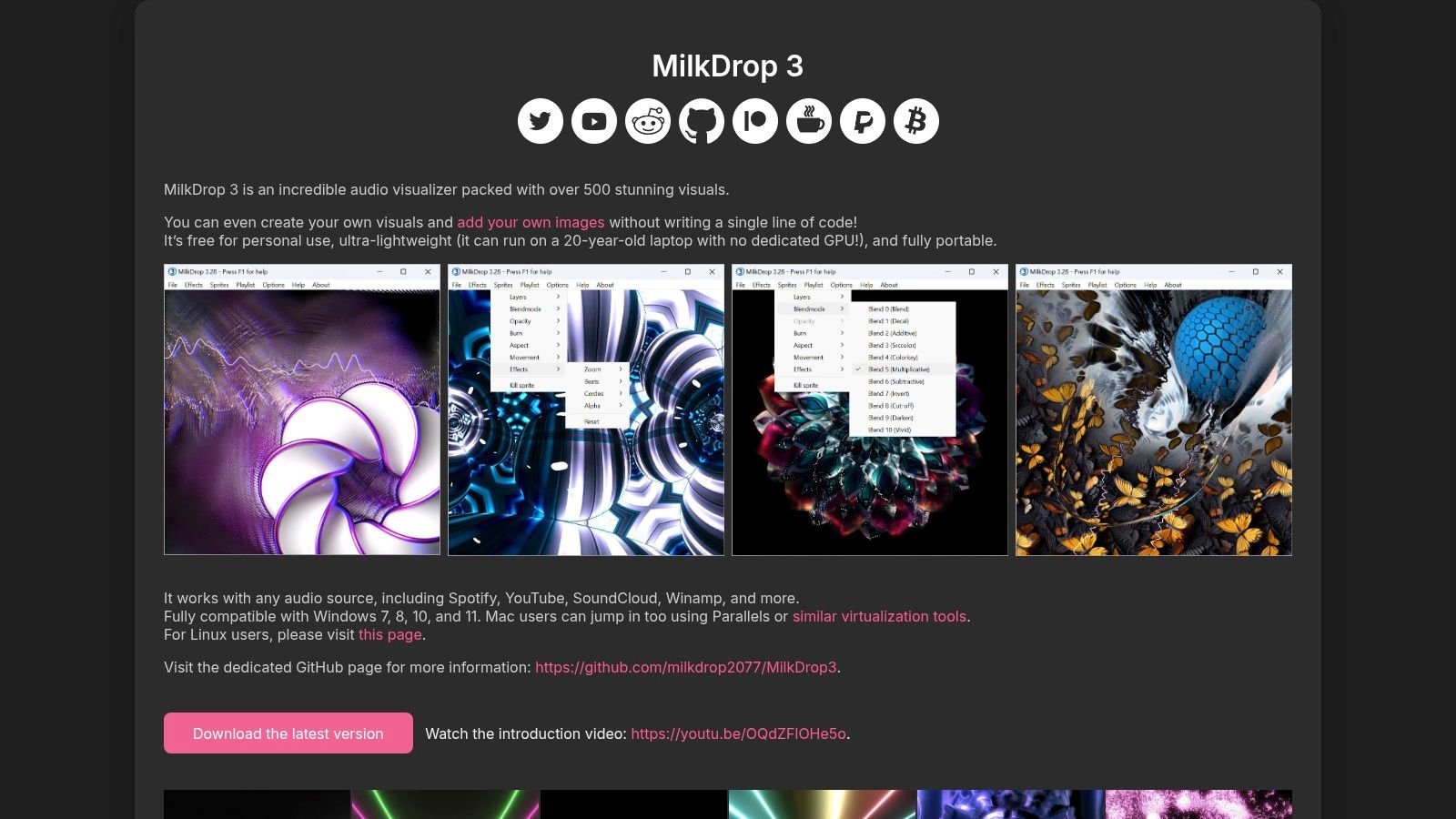
MilkDrop 3 carries the classic preset tradition into a lightweight Windows app. The lineage is long. The original MilkDrop history on Wikipedia notes Ryan Geiss created MilkDrop in 2001, and version 2.0 in 2007 added per pixel shader support. That programmable preset model still explains why these visuals feel endless compared with a single template.
The developer says MilkDrop 3 includes more than 500 presets and supports audio from sources such as Spotify, YouTube, and SoundCloud. It also offers tools to create visuals and add images without writing code. It's free for personal use and portable, so testing it costs little beyond setup time.
Don't expect an efficient export pipeline. This is primarily live visualization, not a finished music video maker with captions, safe areas, and platform variants. The official site lists Windows support, and Mac use requires virtualization, according to the developer. Commercial use also needs attention to licensing options.
I recommend MilkDrop 3 for personal listening, house visuals, and budget live playback where variety matters most. If you need a clean promotional MP4, render elsewhere and keep MilkDrop for the room.
8. projectM
projectM is the open source route to MilkDrop compatible presets. It's cross platform as a project, with a desktop application based on SDL and a visualization library developers can build on. Community preset packs keep the classic, ever changing look alive without a subscription.
That openness helps in two situations. You can run real time visuals on platforms beyond a Windows only setup, depending on the specific build. Developers can also embed the library in their own audio tools instead of treating visualization as a closed feature.
What Costs You Time
- Audio routing: Getting system audio into the app may need extra configuration.
- Release variation: Desktop availability can vary by build and platform.
- No promo workflow: You're not getting guided exports, captions, or resizing.
Free doesn't mean turnkey. Browser tools win when you need a social file in minutes. projectM wins when you want preset driven live visuals and you're comfortable troubleshooting input routing before a set.
I recommend it for tinkerers, developers, and performers who value open source flexibility. Test your full audio chain on the exact machine you'll use live, because a silent input at showtime is the failure mode that matters.
9. Synesthesia
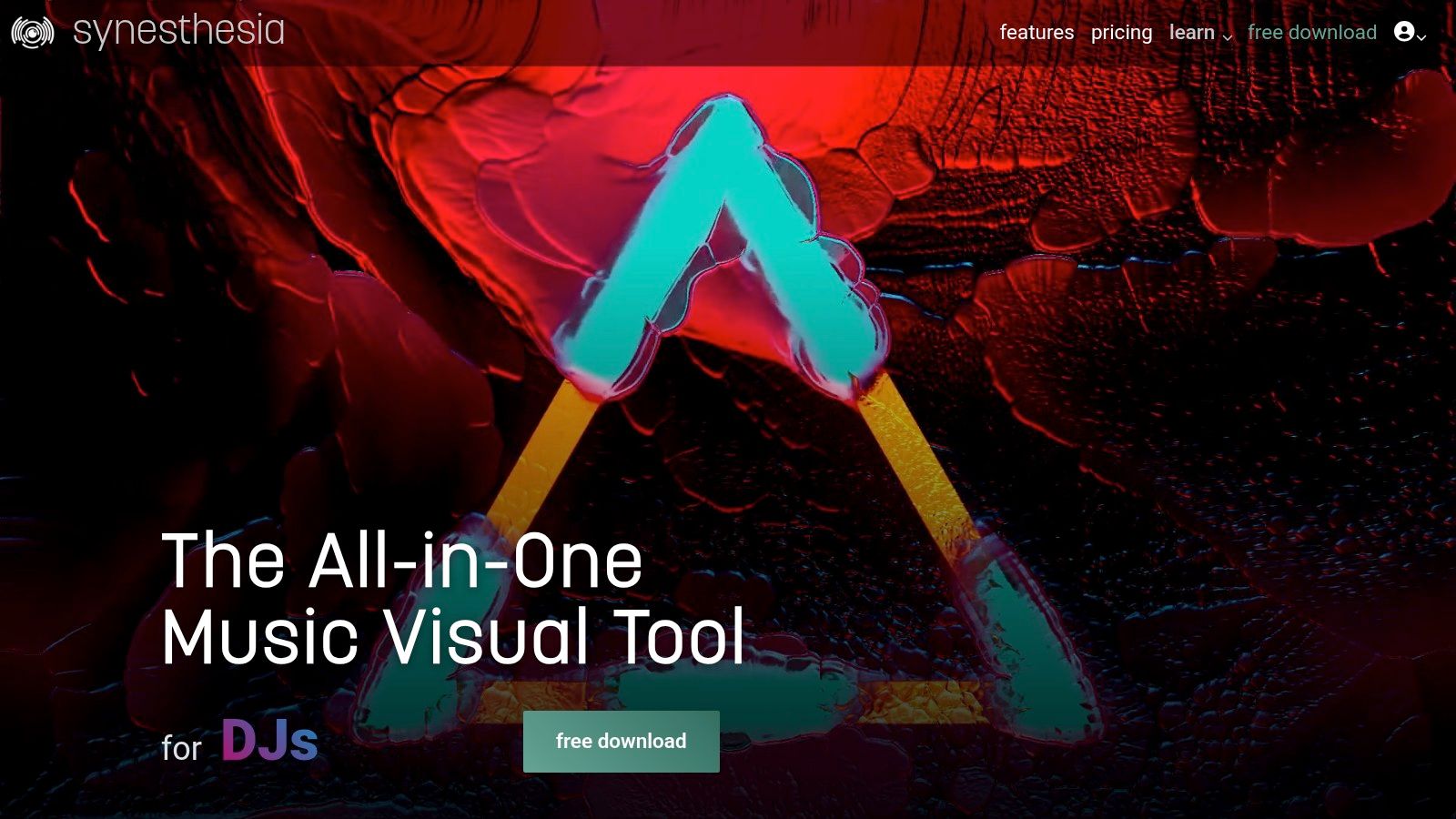
Synesthesia is built to be played, not just rendered. It's desktop software for generative visuals in projection, stage, and livestream settings, with a built in scene library and an in app marketplace. Audio reactive controls, MIDI mapping, and OSC support let you perform changes as the music shifts.
Controllability also protects your audience. A 2025 concert study with 67 attendees found real time visualizations didn't consistently improve the experience, and some participants found them confusing or cognitively taxing. A performer who can reduce intensity, change scenes, and avoid constant flashing has tools a looping preset doesn't.
Pro tier routing includes Syphon, Spout, and NDI, which matters when Synesthesia feeds other live software or a stream setup. Compare that live routing need with tools like this beat driven motion project before paying for features you won't patch.
A watermarked trial lets you test performance, and paid Standard and Pro licenses are listed as perpetual. Scene creation and shader workflows bring a learning curve. I recommend Synesthesia if you want an interactive visual instrument and will rehearse with it like one.
10. Magic Music Visuals
Magic Music Visuals gives you a modular workshop instead of a preset shelf. You combine patterns, images, 3D models, video, and effects into scenes that respond to audio and MIDI. Multiple audio, MIDI, and OSC inputs support complex setups where different signals drive different visual elements.
That architecture suits performers who think in systems. A kick input can pulse geometry while a controller changes color or video mixing. It also supports creating visual content for other media, so the same scene logic can serve live work and prepared material.
More inputs only help if you label, test, and rehearse what each one controls.
The trade off is setup time. You'll experiment more than you would in a template editor, and performance depends on your computer's graphics and audio configuration. A scene that runs smoothly alone may struggle once video mixing and external inputs are added.
A demo is available for Mac and PC, so test on your performance machine, not a stronger studio desktop. I recommend Magic for artists who want creative control beyond fixed presets and enjoy building their own instrument. It's more involved than anyone needs for a quick waveform post.
11. Resolume Avenue
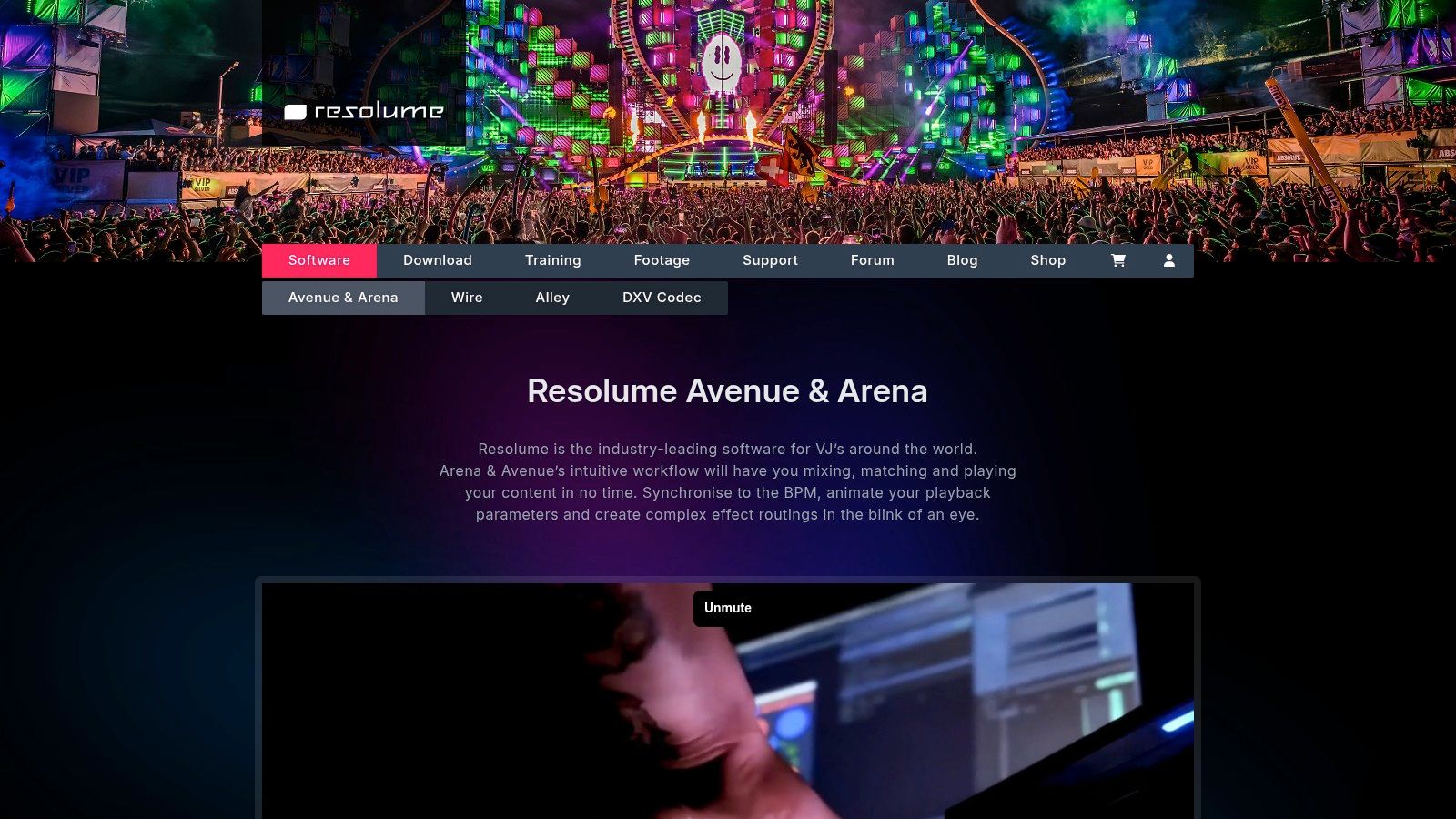
Resolume Avenue is professional VJ software for mixing and performing video live. It isn't a dedicated music to video export service, and judging it by template speed misses the point. Avenue is for single screen and more complex productions where clips, plugins, and external sources need live control.
The license covers macOS and Windows, and there's a try before you buy trial. If your work grows into projection mapping, screen warping, or lighting control, Arena is the upgrade path. That scale is why touring visual teams keep tools like this in a different budget category from web visualizers.
Market size alone won't tell you whether that investment fits. Growth Market Reports valued the global music visualizer apps market at $1.23 billion in 2024 and projects $3.29 billion by 2033. Demand doesn't make pro VJ software right for occasional artwork videos.
The listed Avenue license is a significant investment, and complexity is real. I recommend Resolume for working VJs and production teams who perform visuals repeatedly. If you mainly need finished YouTube uploads, the browser tools above will cost less and finish faster.
10 Music Visualizer Tools at a Glance
Scan the Output type column first: it separates tools that finish a file for upload from tools built to react while music is playing.
| Tool | Best for | Platform | Free option | Output type |
|---|---|---|---|---|
| revid.ai | AI-generated social and music videos | Web-based | Plan-dependent | Edited videos |
| Videobolt | Polished, template-based music visualizers | Web-based | Free previews | Exported videos |
| Specterr | Customizable audio-reactive visualizer videos | Web-based | Plan-dependent | Exported videos |
| Rotor Videos | Multiple promotional formats for music releases | Web-based | Free project previews | Music videos, lyric videos, Canvas loops, and social videos |
| Renderforest | Guided, template-based visualizer creation | Web-based and mobile app | Watermarked exports | Exported videos |
| VEED | Simple waveform videos with social editing tools | Web-based | Plan-dependent | Edited videos |
| MilkDrop 3 | Free, real-time preset-driven visuals on Windows | Windows desktop | Free for personal use | Live visuals |
| projectM | Free, open-source real-time visuals | Cross-platform desktop, depending on build | Free and open source | Live visuals |
| Synesthesia | Interactive visuals for live performance | Desktop | Watermarked trial | Live visuals |
| Magic Music Visuals | Custom audio- and MIDI-reactive performance visuals | Mac and Windows desktop | Demo available | Live visuals and video content |
| Resolume Avenue | Professional live video mixing and VJ performances | macOS and Windows desktop | Trial available | Live visuals and video mixes |
Rows marked Edited videos or Exported videos are for promos you render, review, and upload. Rows marked Live visuals are performance instruments, with Magic Music Visuals and Resolume Avenue also covering video output when a set needs playback material as well as improvisation.
Choosing Your Visualizer and Getting It Seen
Pick by output first. For finished videos, choose a template based online tool such as Videobolt for polished template variety, Specterr for adjustable classic visuals, or Rotor Videos when you need Canvas, lyric, and social assets around one release. revid.ai suits rapid social production, Renderforest suits an existing all in one workflow, and VEED suits captioned, text led clips. For budget live visuals, MilkDrop 3 and projectM give you deep preset libraries without a render focused editor.
For stage and stream performance, step up to Synesthesia, Magic Music Visuals, or Resolume Avenue. You'll pay in money, learning time, or both, but you gain live control, routing, and the ability to respond when a set changes. That's the honest divide in any best music visualizer comparison. A beautiful export can't improvise, and an improvising instrument won't package your release for every platform by itself.
The creator case for getting this right is strong. One 2025 MarketIntelo analysis of music visualizer apps estimates approximately 62% of emerging creators aged 18 to 24 use visualization software in their content pipelines. Treat that commercial estimate as directional, but don't treat visuals as an afterthought. Your competitors already build them into release work.
Before you commit, run this check with your own track:
- Test the loudest and quietest sections: Confirm motion stays readable and doesn't collapse or strobe uncontrollably.
- Export every required shape: Check horizontal, vertical, and square versions for cropped artwork and unreadable text.
- Verify licensing and watermarks: Confirm commercial use, resolution, and duration limits on the exact plan you'll buy.
- Reduce sensory overload: Lower flash and motion intensity where possible, and add captions or lyrics when words carry meaning.
- Rehearse live tools under load: Test audio routing, MIDI, graphics performance, and backup scenes on the show machine.
The wider category supports that effort. Verified Market Research valued the global audio visualizer market at $2.74 billion in 2025 and projects $10.47 billion by 2033. Growth brings more tools, but it doesn't remove the need to match the tool to the job.
If you're building your own visualizer or audio tool, put it in front of early adopters by launching on EarlyHunt. Our weekly competition gives new AI and digital tools a full seven days of homepage visibility, community upvotes, and persistent indexed listing pages. A Premium Launch adds a guaranteed dofollow backlink and at least one post each on X, LinkedIn, Bluesky, and Pinterest, so submit your project before the next Monday cycle and turn your launch week into users, feedback, and lasting search visibility.