
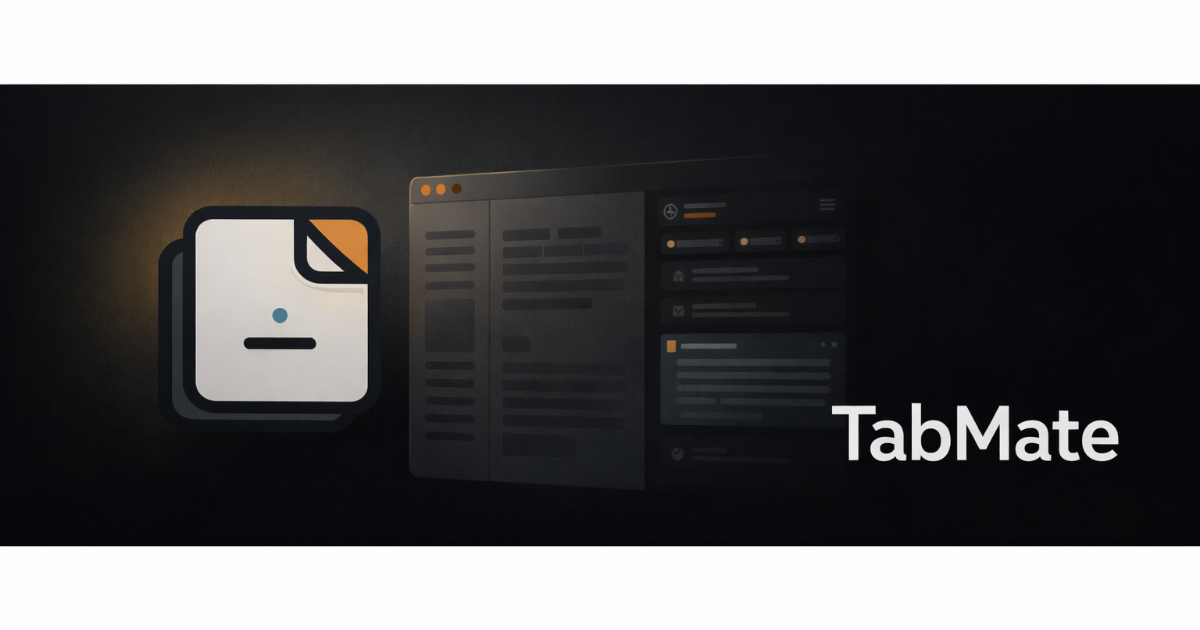
TabMate is a browser extension that enhances productivity for indie founders and small teams engaged in research. It helps users manage information across multiple tabs and tools by providing a side-panel workspace with an AI assistant, streamlining the research process and improving organization.
What TabMate does
TabMate offers a dedicated workspace that integrates directly into your browser. Users can interact with the content on the current page without the need to switch tabs. The AI assistant can answer questions about the page, allow users to save excerpts, and take notes while maintaining context as they browse. Additionally, TabMate remembers saved information and can recall it when needed, making research more efficient.
Who TabMate is for
This tool is ideal for indie founders, researchers, and students who frequently conduct online research and need a way to consolidate their findings efficiently. Those who rely heavily on extensive documentation or prefer traditional note-taking methods may find TabMate less beneficial. If your work involves minimal web research, this tool may not be necessary.
Pricing & access
TabMate operates on a free model, allowing users to access its features without any upfront costs. For the latest details on usage limits or additional features, users are encouraged to visit the official website.
Key features
- AI assistant that answers questions about the current web page directly in the side panel.
- Pins for anchoring important excerpts during a browsing session, ensuring they stay accessible across tabs.
- Memories feature to save key information permanently, retrieving relevant details based on ongoing work.
- Conversation tracking that flags important items for potential saving, helping to build a knowledge base over time.
- Starter templates tailored for various types of research, such as market analysis and academic reading.
- Multiple workspaces for managing different projects, keeping context and conversation history separate.
Explore more productivity tools on EarlyHunt.